


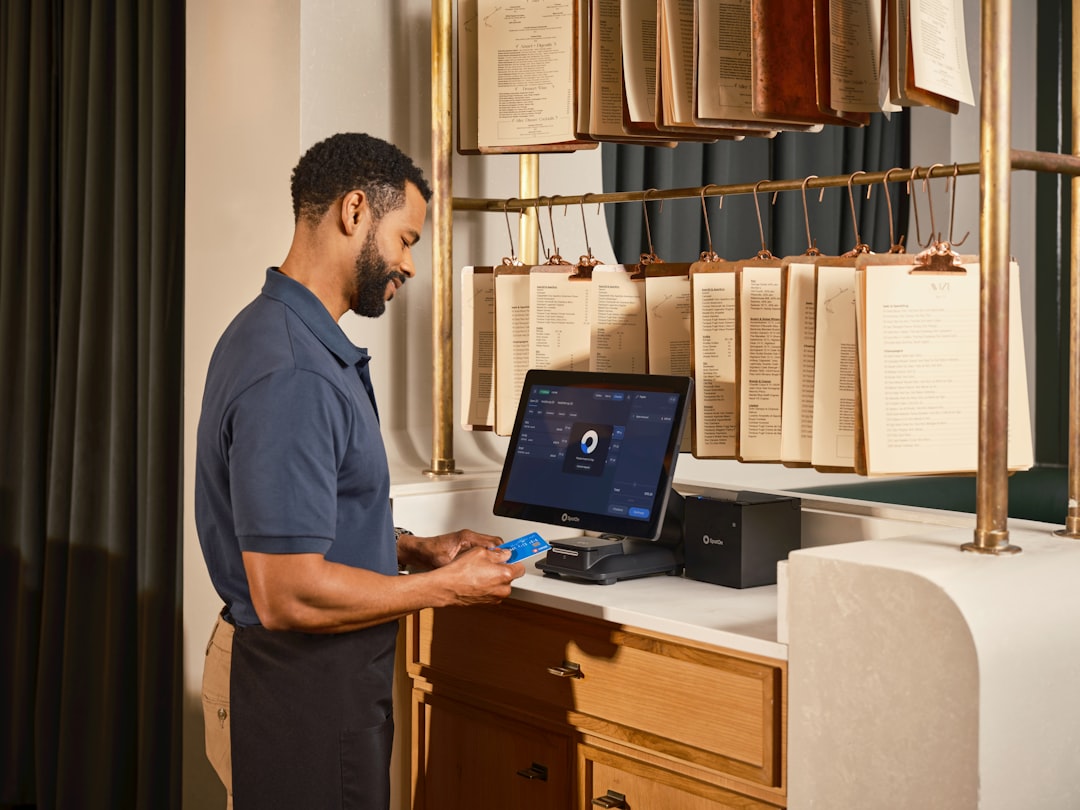
A practical guide for small stores to keep checkout reliable by planning POS updates, assigning clear roles, and using short team routines that reduce surprises on busy shifts.
Your morning starts with a coffee, a quick login, and one hopeful thought: maybe today the register will behave. Then a popup appears saying the POS app wants to install another update before opening a sale. You sigh, click later, and by the time the queue builds you remember why small teams hate surprise tech changes.
I am not judging you for that sigh. In 2026, POS systems evolve faster because payment options, inventory features, and security expectations keep changing. The good news is that speed can be useful. The hard part is not whether your team should update; the hard part is whether updates respect your people and your peak-hour rhythm.
For small shops, this becomes a practical leadership problem, not just a technical one. You do not need a full IT department to win here. You need a calm routine, a few clear ownership rules, and a test habit that is short enough to actually happen on a Tuesday.
Start with an update moodboard, not a panic list
Most teams treat updates as random events. A better way is to stop waiting for them and plan for them. Think of them as scheduled maintenance windows, even if the app says otherwise.
Create a simple one-page update moodboard and keep it pinned where your staff can see it:
- What changed: version update, firmware tweak, new payment flow, or report update.
- Who it affects: front counter, kitchen station, inventory desk, or admin dashboard.
- Risk level: low if only new colors, medium if new checkout steps, high if bank settings are touched.
That list is not about sounding fancy. It is about giving your team context before a task interrupts them. People follow rules better when they know the reason in one sentence.
Use a three-part readiness check before each update
If you run every update with the same three checks, you avoid most Friday-night disasters:
- Confirm your update window. Set a start and end time, and block deep discount sales or high-traffic periods if possible.
- Save a recovery plan. Take a quick note of current checkout behavior in one screenshot, one setting list, and one payment routing note. You can keep this in a shared file or chat post.
- Assign one person and one backup owner. The owner leads the rollout and asks for help if the issue shows up; the backup watches the floor and fields customer questions.
These three checks do not remove risk, but they put a shape around it. A shaped risk is easier to solve than a mystery risk. If a team can explain ownership in 10 seconds, customers often do not feel the stress at all.
Most checkout glitches do not come from bad software. They come from good intentions with no shared playbook.
Build a 15-minute pre-close review habit
After every update, skip the giant postmortem. A 15-minute close ritual catches what matters before problems snowball:
- Look for unusual payment timing differences between order screen and receipt.
- Watch for any item lookup failures or product search mismatch after update.
- Check one kitchen or fulfillment report and one exception list.
- Capture one screenshot of whatever looked odd so your next update can be smarter.
This habit is short on purpose. Too many teams build beautiful checklists and then abandon them. Keep it short, keep it repetitive, and make it boring. Boring processes are usually the ones that keep operating when life is not.
Who owns checkout speed versus transaction safety?
Another common mistake is giving one person both roles: the same manager expected to keep the line moving and also inspect every payment exception. That is like asking one person to be both the chef and the fire alarm. It can work for a while, then fail under pressure.
Split it, even if your staff is tiny:
- Checkout flow owner: keeps the register moving and handles training questions in real time.
- Exception owner: reviews odd behavior after the update for 10 minutes, then routes fixes.
You still need cooperation, but you now have two eyes instead of one. Your exception owner can speak up before a policy mistake becomes a customer-facing issue.
A practical mini-story from a small retail morning
Take a store with one hardware terminal and one part-time clerk. Update day comes on a Wednesday morning. At 10:20 a.m., a sale throws a warning when a customer uses a saved card. Without a plan, the team might pause and call support in a loop. With the routine above, the clerk marks it, tags it as medium risk, and lets the backup owner step in. The queue drops, one receipt gets one manual correction, and they finish with a short debrief that does not shame anyone. No chaos, just a manageable blip.
The owner does not need to know every technical parameter. They need enough process to keep one steady customer promise: you will still get through the shift.
Three signs your current process is drifting
When process slips, it usually shows up as one of these patterns:
- Checks are done only when something breaks, not before each update.
- Everyone assumes someone else owns the exception log.
- Staff avoid updates because they expect a full fire drill.
If that looks familiar, this is your reset point. Start one week at a time and enforce just three wins: consistency, clear owner, and one post-update debrief.
Weekly plan you can copy without spreadsheets
If this feels like too much at once, here is a tight first-week sprint:
- Day 1: write the update moodboard and name owners.
- Day 2-3: run two updates with the 15-minute pre-close review.
- Day 4: compare issues by pattern, not by person. Patterns are fixable; personal blame is not.
- Day 5: adjust only two steps and keep the rest as-is.
When the process is working, you should feel less like you are chasing the system and more like you are steering it. Update anxiety drops, not because nothing changes, but because your team can handle the change without panic.
Small teams win in retail with rhythm. You do not need more tools or louder announcements to improve checkout resilience. You need one stable rhythm: plan, assign, check, and learn. If you are ready to keep your team in that rhythm and avoid setup chaos, download M&M POS and apply these steps where you run daily sales.
