Card reader setup
Stripe card reader and terminal questions
What to know before choosing and connecting a Stripe reader to your point of sale.
How do I connect a Stripe card reader to a POS?
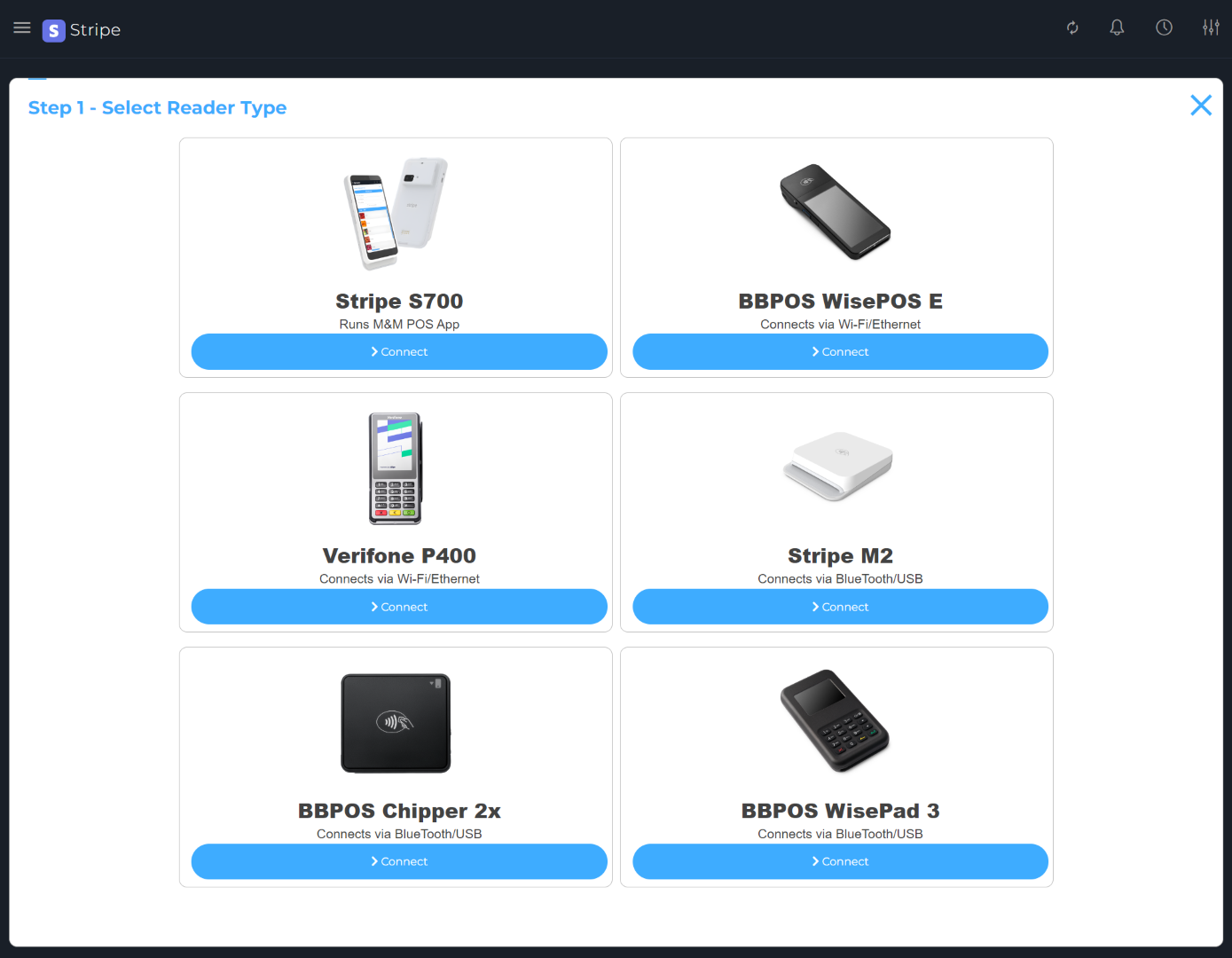
Connect your Stripe account in M&M POS, open the Stripe terminal setup in the app, and select a reader supported by your device and country. Bluetooth readers must be paired or discovered from the supported mobile device, while internet readers use their network connection and Stripe registration flow.
What Stripe terminal works as a countertop POS?
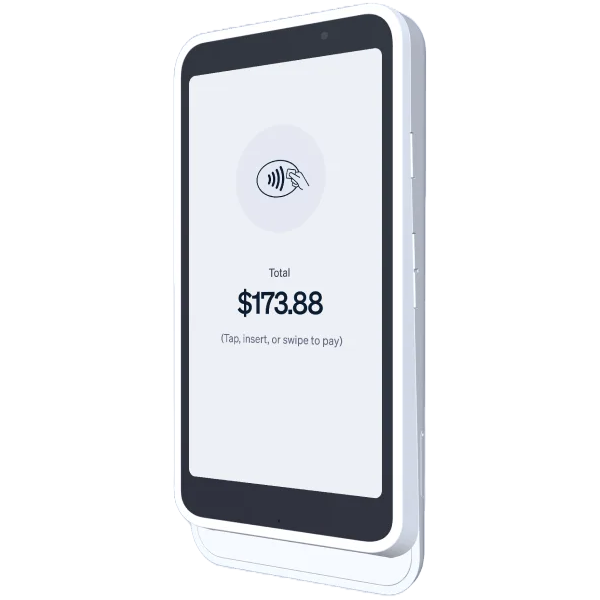
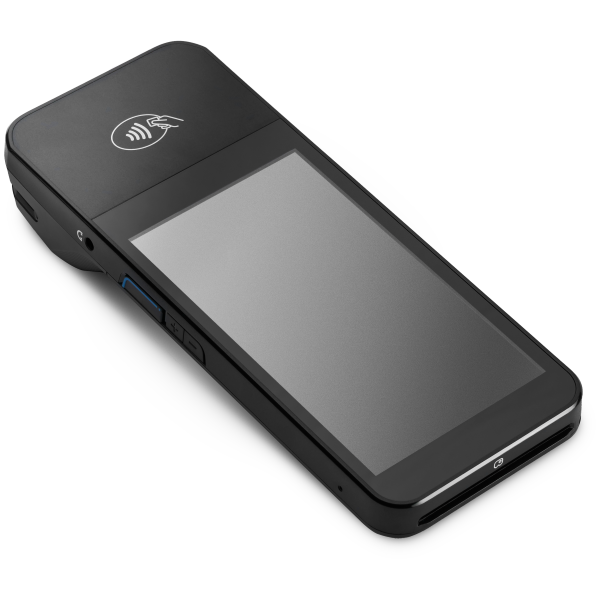
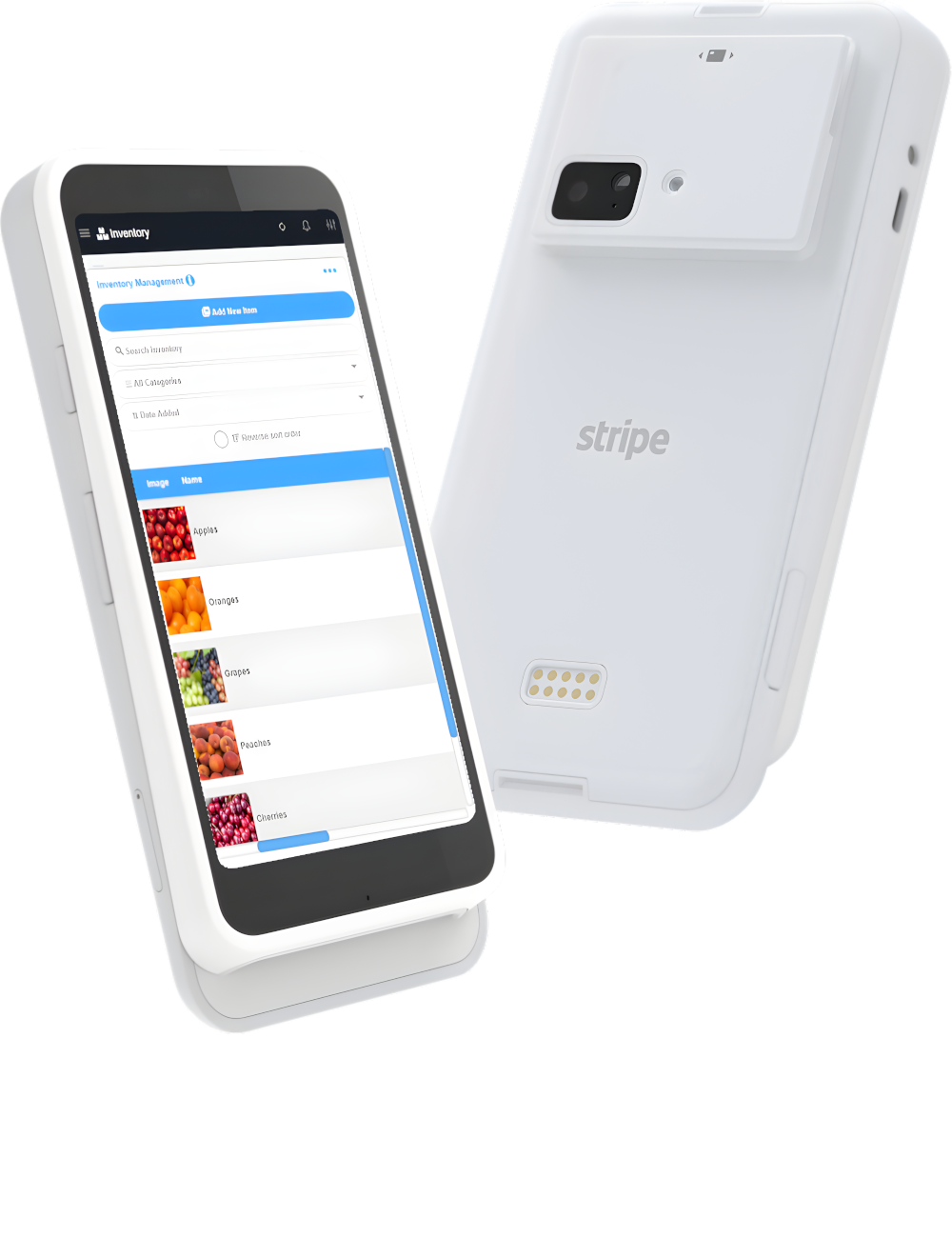
The Stripe Reader S700 can run M&M POS directly as a complete countertop or handheld POS. The BBPOS WisePOS E is another supported smart reader for countertop or handheld payments when connected through a compatible M&M POS device.
Can I connect a Bluetooth Stripe reader to my phone or tablet?
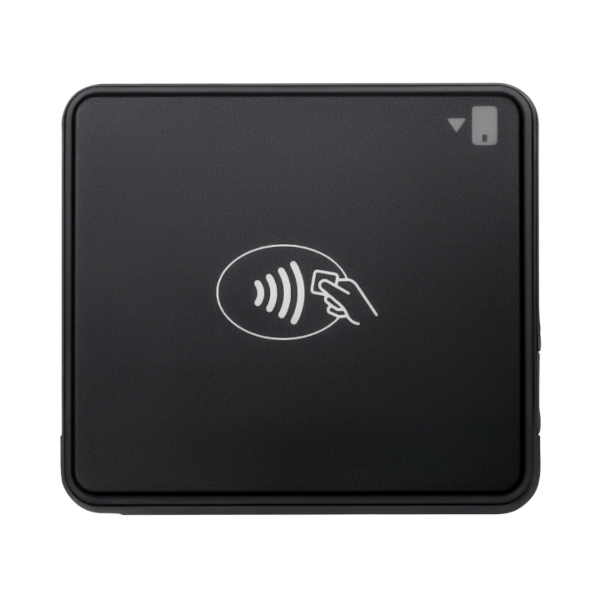
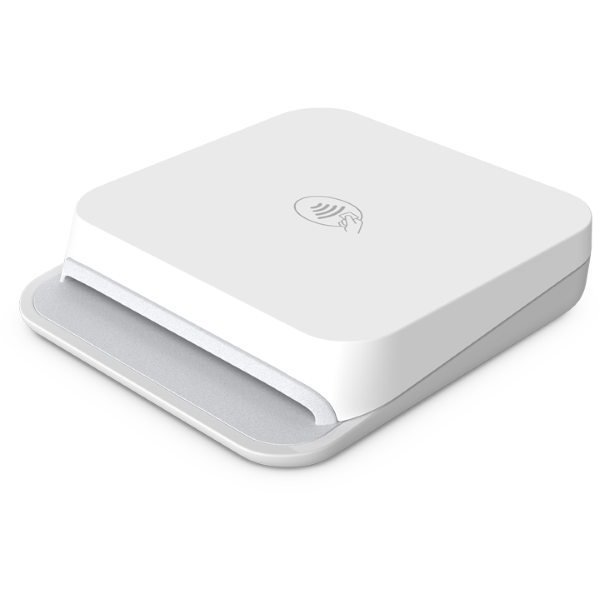
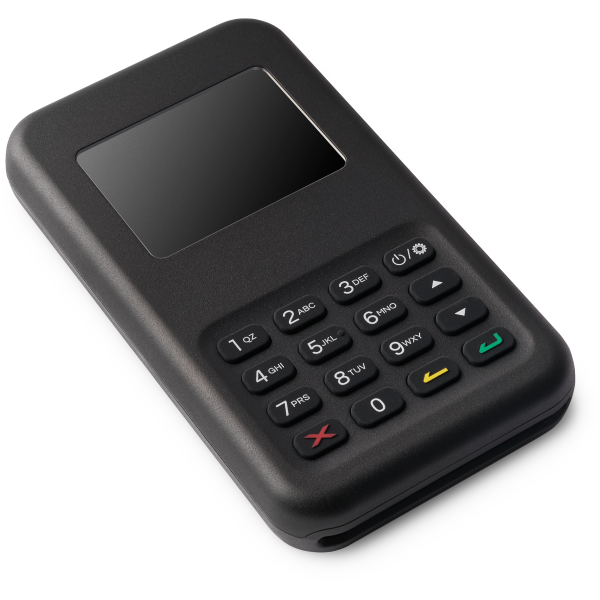
Yes. M&M POS supports compatible Bluetooth Stripe readers such as the WisePad 3, Stripe Reader M2, and Chipper 2X BT on supported Android or iOS devices. Reader and country availability varies.
Do Stripe readers accept contactless cards and digital wallets?
Supported Stripe readers can accept eligible contactless cards and digital wallets such as Apple Pay and Google Pay. Exact payment methods depend on the reader, Stripe account, and country.
Do I need a card reader to accept Stripe payments in person?
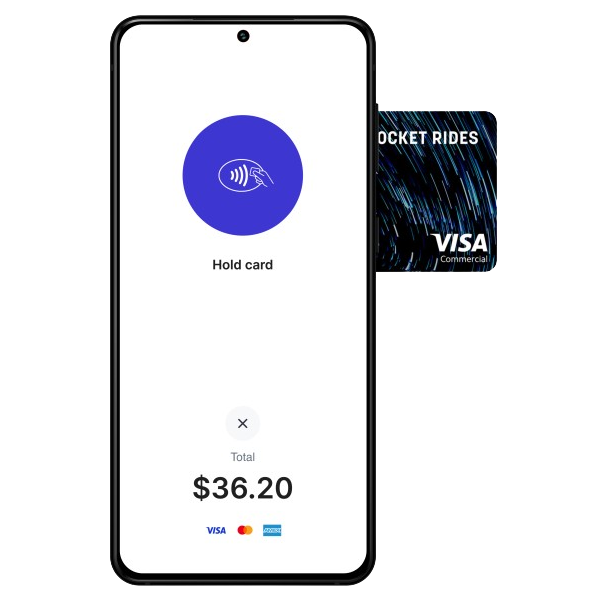
Not always. M&M POS supports Stripe Tap to Pay on supported iPhone and Android devices, which can accept eligible contactless payments without a separate card reader.
Learn about Tap to Pay