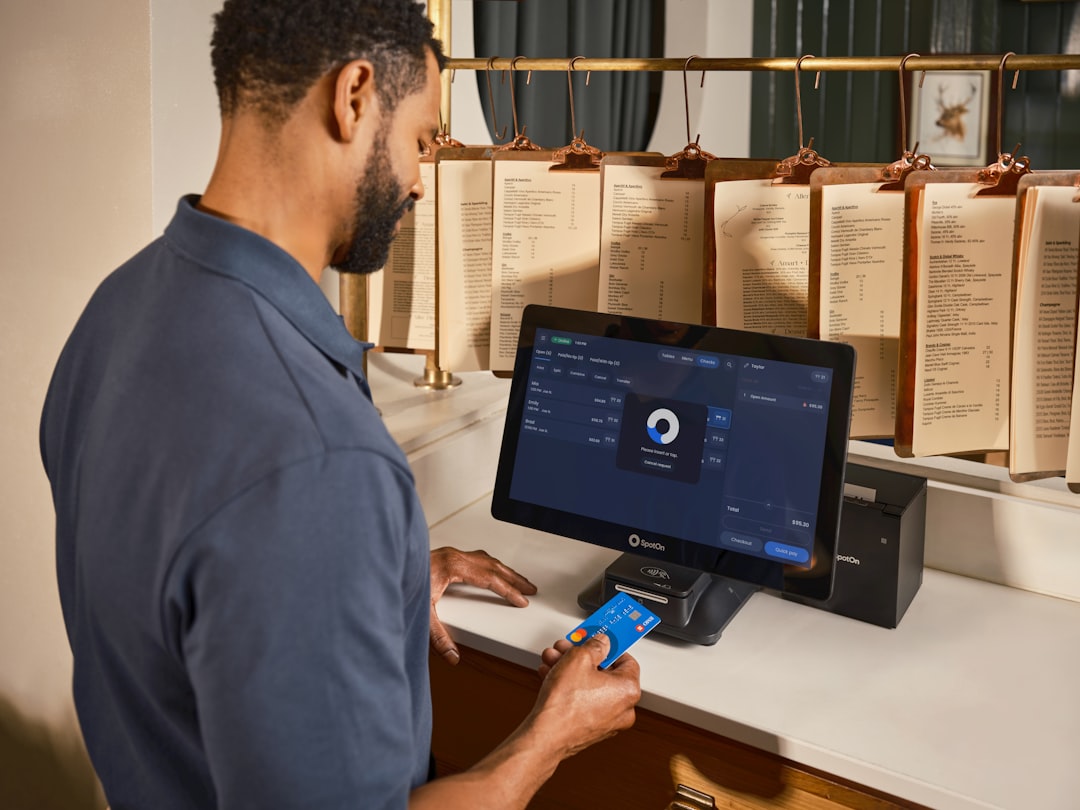
When a discount campaign is active but margins still feel off, the leak is often in the way each sale is recorded. Use this routine to keep promotional promises clear for customers and measurable for owners in under a lunch break.
At 6:42 p.m. on a Friday, one staff member quietly adds a promo code after the line starts to move faster. The guest is expecting a $5 off meal from a weekend promotion, but the campaign was meant to close on Sunday night. The order is sent, the receipt is corrected twice, and two staff members now disagree about whether the code was valid.
Discounts can fail quietly. A few entries are typed by memory, one terminal is still using old rate rules, and one manager is answering questions instead of reviewing what actually happened. By close, the team can see sales totals, but not the reasons behind them.
The issue is not that a discount system is bad. The issue is that manual checks drift away from the original offer rules. A small team only gets caught when it is already short on time. That is why the process has to stay short and repeatable. No one wants a dashboard that sounds like a meeting agenda.
The core problem is usually one of consistency
Most stores do a good job setting up discount rules once, then stop thinking about them until things feel broken. Meanwhile, three kinds of drift start to grow:
- Timing drift: old codes stay in use after a promotion ends.
- Scope drift: offers meant for one product group are used on another.
- Manual drift: staff override rates to fix a live issue without writing why.
None of these are signs of a careless team. They are signs that the post-sale work is not built into a consistent rhythm.
Why this matters beyond margin
Discount drift does more than reduce margin. It changes guest expectations. If one customer receives a discount that another customer does not, trust becomes uneven. If one team member must explain the same exception every shift, morale drops. If finance sees receipts with unusual comp patterns at the same time as a payout difference, teams spend next day arguing over clues instead of actions.
That is why the fix should include operations, not only reports.
The 12-minute discount drift routine
Run this routine every day at one fixed time, preferably before close or after prep cleanup.
Minute 1 to 3: Lock the active campaign list
Open the campaign rules in your POS. Do not assume there are only two or three active offers. Write down every active code and its exact limits:
- start and end date
- minimum order size
- eligible products
- max uses per item and per customer
Do this once per day. If the list changed since the last close, note the change reason and who changed it. People do better work when a change has a home, not a rumor.
Minute 4 to 6: Build a short transaction sample
Filter transactions by order channel and choose the last 60 tickets or the last hour of activity, whichever is smaller. You want a sample, not a full month review. In each selected ticket, note:
- Did a discount code apply?
- Which product line got the discount?
- Was the campaign still active at order time?
- Was the discount changed after payment?
If more than three of your sample tickets show an open question, treat it as a red flag and extend the sample to 20 more transactions.
Minute 7 to 9: Verify staff exceptions at the source
Ask one teammate who handled the shift to explain one exception from the sample. Not all of them, just one. Compare what they entered with what the customer received.
One teammate may mention customer pressure. Another may point to an old training note. Both are useful. The goal is not blame. The goal is deciding whether the exception happened because a rule was unclear or because the rule never reached the register flow.
Minute 10 to 12: Make one correction and assign one owner
Apply one concrete correction each day:
- Pause a risky code for one shift if it no longer has a useful use case.
- Fix at least one wrong item mapping where a discount lands on the wrong product group.
- Turn one repeat override pattern into a named rule.
Then assign one owner for the next shift. It can be the manager, lead server, or floor lead, but only one person should carry the note forward. The note should include what changed and when to recheck.
Small examples from real operations
Here is a short version from a coffee shop with a buy-two-get-one campaign.
Issue: The code was designed for muffins only, but staff used it on cookies and tea too.
Observed: Two hours of tickets include three products each with the same discount.
Fix: They changed the campaign scope and added a short note at close: "Muffin only for code M2G1, and only during lunch window."
Result: Ticket disputes dropped, and guests stopped asking why totals looked different inside one shift.
A restaurant with a sauce bundle had a different issue. The campaign was built for one meal kit, but staff used the same code on side soups too, because it was faster than finding the exact item mapping.
After the routine, they adjusted the item mapping and required that any manual discount without a code includes a short reason in the register notes field. No same-session correction can clear that note without a manager tag.
Where teams usually go wrong
Most teams do one of these three mistakes:
- They check only totals. Totals can hide where the discount landed.
- They check only peak hours. Drift often hides in slow windows where fewer people are watching.
- They skip training notes. The note explains the rule at the exact moment of exception. Without it, the same issue returns.
For small operations, the process works when it is boring. Boring processes are repeatable. Repeatable processes improve with each week.
A short handoff format
Use one handoff note between shifts. Keep it to three lines. Not a paragraph. Not a full page.
- Top issue: what discount or promo did not follow rules today.
- Fix chosen: one rule changed, one mapping corrected.
- Next check: the time and person who will confirm it.
That format reduces meetings because the next teammate can continue from one checkpoint.
When to move to weekly
Run this routine daily for one month. If no red flags appear for seven straight days, switch to twice a week. Keep the same structure. Do not change the logic just because it is routine.
Weekly review should include one extra step: compare three heavy discount dates with three normal dates and test whether the same product lines still show manual overrides. If they do, that is a rule design issue, not a sales issue.
Connect the routine to guest communication
Guests do not need details about audits. They need clear outcomes. If a discount does not apply, staff can say, "That offer applies to one menu group tonight. I can still apply our standard offer and add a note for next shift." This keeps the response calm and specific.
If this routine is useful for your setup, you can download M&M POS and put the same checks into your daily close flow.
Direct URL: https://mmpos.app/download