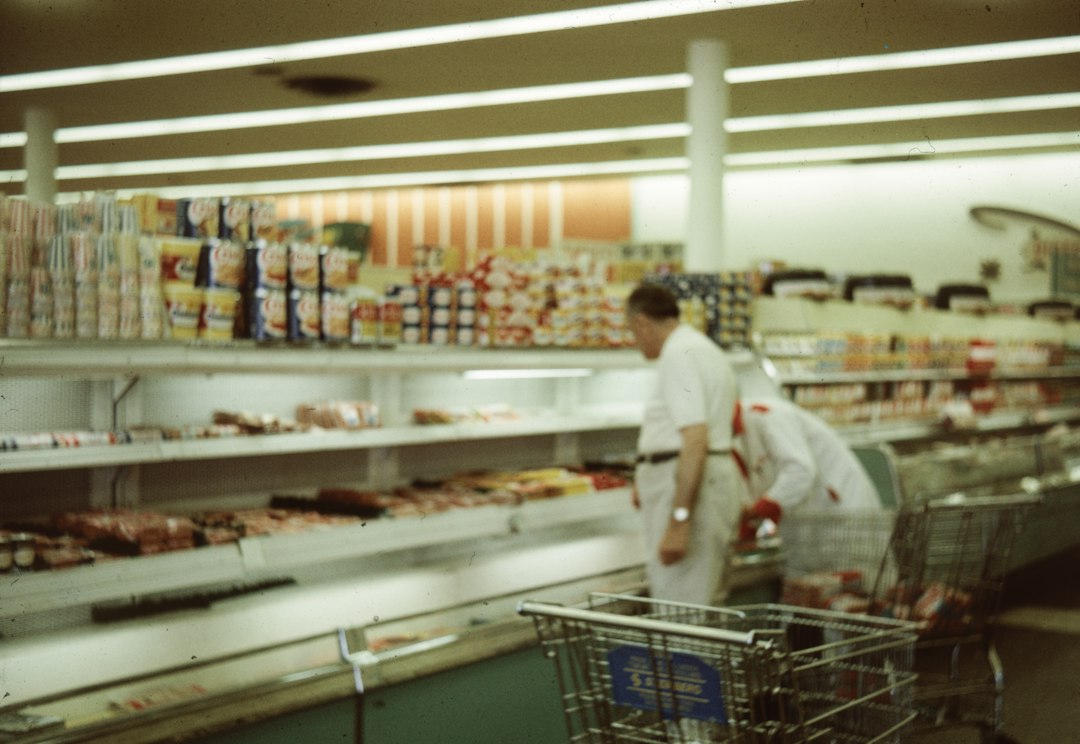
That carton of yogurt went into the bin at 9:40, and nobody wrote a line for it. The expiry stack turns those quiet tosses into waste totals your closeout can actually read.
That carton of yogurt left on the back shelf since Tuesday? It went straight into the bin at 9:40 this morning, and nobody wrote anything down. No price, no supplier, no reason. By Friday, the owner of this deli can tell you exactly how many loaves he sold. He cannot tell you what he threw away, which is the number that actually eats his margin.
Ask around and most small food and beverage places have the same hole. Sales get recorded at the register, stock gets counted occasionally, and waste just evaporates. The register, meanwhile, has been quietly sitting on the one data point that would close the loop: what actually got tossed, when, and how much of it cost. The only missing piece is a habit.
This is the expiry stack, a small end-of-day routine where closing staff pull everything past or near its date into one pile, weigh it or count it, and log each item as a waste line in the POS. Five to ten minutes, twice a day in most shops. It sounds almost boring. Boring is the point, because a boring routine you repeat beats a clever report you ignore.
Why the waste bin is the first line of your P&L nobody reads
Food waste is the quiet tax on a menu or a grocery case. The industry often quotes figures around 2 to 4 percent of food cost, but in a small shop the pattern is usually worse at the edges: the last day of a promo, the over-purchased Friday delivery, the batch that got prepped early and forgotten behind the good stock.
None of that shows up on the daily sales sheet. Sales only see what made it through the register. What got thrown out is a ghost cost, and ghost costs compound. They teach the buyer to order the same amount again, because the last order looked fine on paper.
The routine, step by step
The whole thing runs on a fixed beat so nobody has to remember it. Here is what a closing pass looks like at the deli I described earlier, and it works about the same for a cafe, a bodega, or a small grocery counter.
Pull the stack. Walk the back shelf, the case, and the walk-in once. Anything dated today or earlier goes into one box or bin. You are not judging anything yet, just collecting.
Log each item, not the pile. One line per item: the product, the quantity, and the cost if the register can pull it. A bagel tray and a carton of cream are two lines, not one mystery item. If your POS has a waste or inventory-adjustment transaction type, use that. If it only has a discount or void, that is still better than nothing, and the total is what matters.
Add a short reason. Expired, damaged, over-prepped, customer send-back. Two or three fixed options keep it fast and make the data readable later.
Close the loop before you leave. The waste lines belong to today's closeout, not next morning. If you log waste into the wrong day, the whole trend shifts and the pattern never shows up.
The reason step is the one most people skip, and it is the one that turns a list into an answer. A week of "expired, expired, expired" tells you the clock beat you. A week of "over-prepped" tells you the recipe sheet is wrong. Same total, very different fix.
One timing note: shops that serve a real lunch rush run a short midday sweep too, just the front case, because anything there is hours from its date. The full stack still happens at close, and the midday lines get logged the same day with the same reasons. If midday waste keeps showing up, the message is usually about placement, not quantity. People forget what is behind the good stock.
How the POS side actually works
A waste line in a register is just a negative sale or an inventory adjustment, and most POS setups already support one. The clean version creates an adjustment that reduces on-hand stock and records a cost, so your inventory count stays honest without a physical recount.
Practically, that means two things line up at closeout. The bin in the corner and the numbers on the screen point at the same loss. When they disagree, you have caught a mistake while it is still cheap to fix, which is exactly the kind of drift that used to only surface at a full monthly count, if it ever did.
What the stack actually tells you
Two weeks in, the deli owner above had a surprise. His worst loss was not the dairy he was worried about. It was a specific sandwich line, thrown out every Wednesday and Thursday, always the same tray, always logged as over-prepped. The prep sheet called for enough for a weekend. The Wednesday and Thursday demand was half that. One change to the prep quantities, and the Wednesday waste line basically disappeared by the following week.
That is the whole payoff of the routine. The total tells you whether waste is a problem. The reasons and the items tell you which lever to pull, and the date pattern tells you when to pull it. Nobody in a small shop has time to run a full inventory audit every week, so the stack is where the signal lives instead.
It also changes conversations. When the owner can point at a number, the "we always over-order fruit" debate stops being a personality argument. The register has the receipt for it, in the same format as every other sale.
Where the register fits in
You do not need a warehouse system to start this. You need a register that can write an adjustment with a cost and a note, and a closing pass that takes five minutes. If that is already on your shortlist, you can set the waste transaction type up in the same afternoon you roll it out, which is exactly the kind of small setup step that pays for itself on the first bad Wednesday. You can download M&M POS and map the waste line in one sitting, no consultant required.
The habit is the product here. The software just keeps the tally honest, and hands you the trend when you finally look at a whole week instead of a bad day.
Direct URL: https://mmpos.app/download