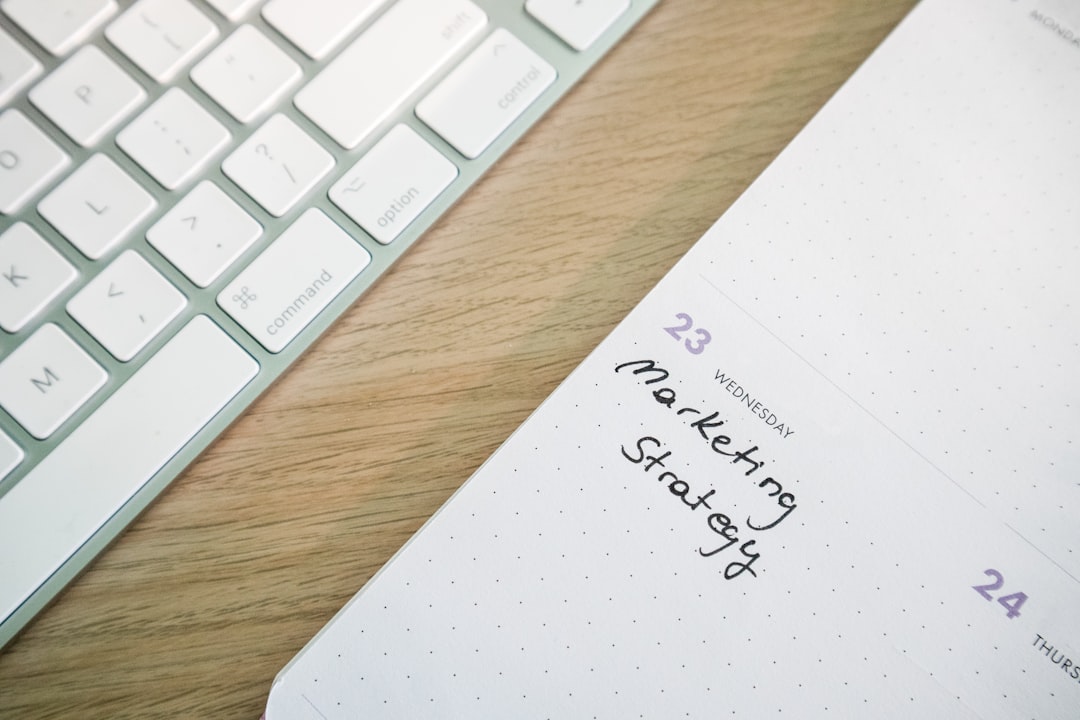
Automated reminders, deposits, and follow-up workflows help service businesses reduce no-shows and keep the day profitable.
Keep Your Calendar Full and Your Revenue Predictable
Missed appointments do more than leave dead space on the schedule. They waste labor, throw off the day, and create avoidable revenue loss. A good reminder flow fixes a lot of that before it starts.
1. Confirm the appointment twice
Send one confirmation when the booking is created and a second reminder closer to the appointment. That simple rhythm catches forgotten bookings early and gives customers time to reschedule.
2. Let customers respond quickly
Reminder messages should make it easy to confirm, cancel, or call back. The fewer steps it takes to reply, the more accurate your calendar becomes.
3. Use deposits for high-value slots
For longer services or premium appointments, even a small deposit can reduce no-shows. It also makes your team less exposed when prime time blocks are reserved days ahead.
4. Fill cancellations faster
When a customer cancels, your POS workflow should help staff spot the opening and offer it to waitlisted or flexible customers. Fast backfilling turns cancellations into recovered revenue.
5. Track repeat no-show patterns
Some schedule problems are not random. If the same client repeatedly misses or late-cancels, your team can require deposits or limit how far out they can reserve.
6. Tie reminders to checkout history
When scheduling, notes, receipts, and previous services live in one place, your staff can respond faster and create a smoother customer experience from booking through payment.
Final thoughts
Appointments are revenue placeholders until customers actually show up. Smart reminder flows, light automation, and better schedule visibility help turn more of those placeholders into completed sales.
If this kind of checkout routine would help your shop, you can download M&M POS and test it with your own setup.