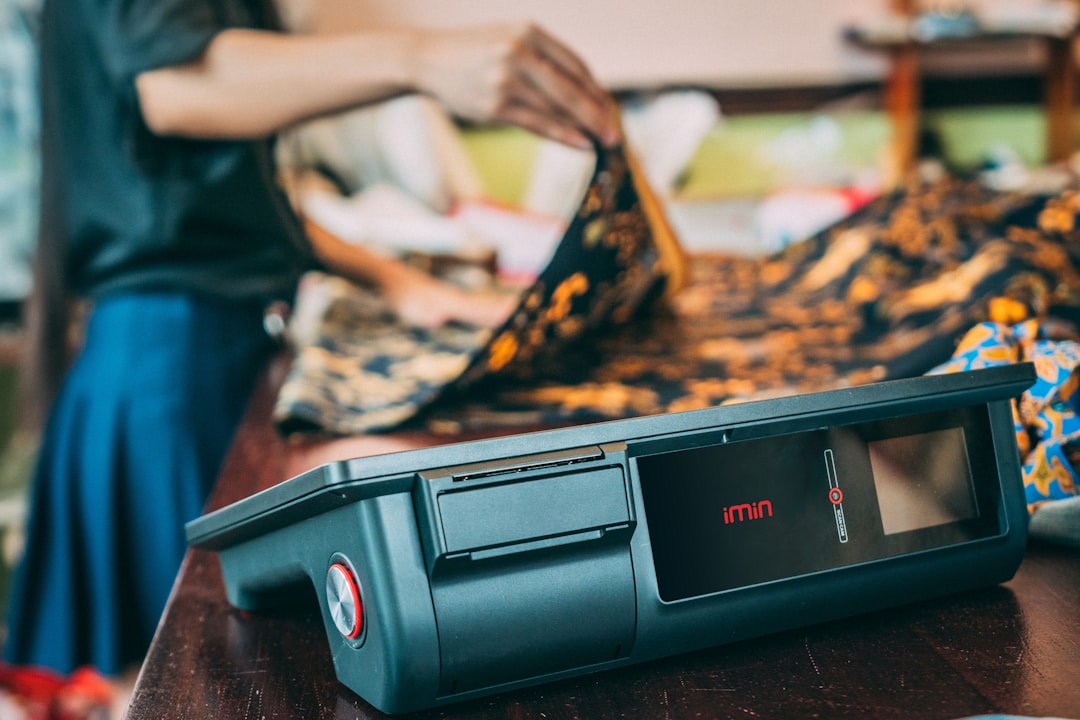
Small retail teams can speed up checkout, reduce line abandonment, and keep sales moving with a few POS-backed workflow fixes.
Stop Lines From Turning Into Lost Sales
Busy periods expose every weak spot in checkout. When the line slows, customers buy less, abandon purchases, or decide not to come back. A few POS-backed workflow changes can shorten wait times without adding more labor.
1. Put your fastest payment options first
During peak traffic, staff should not hunt through payment menus. Surface the most-used payment types first so cashiers can move from total to tender in one clean motion.
2. Pre-label your top sellers
Use favorites, barcodes, or quick lookup buttons for high-volume items. The less typing your team does at the register, the fewer pauses and pricing mistakes you create.
3. Cut exception handling during rushes
Manager approvals, price edits, and special-case discounts should be minimized during busy windows. Clear override rules keep the front counter moving instead of stacking delays on every third sale.
4. Keep receipts flexible
Offer print, text, and email so staff can finish sales the way each customer prefers. Fast digital receipt options save paper, reduce printer bottlenecks, and help keep lines flowing.
5. Use simple training scripts for team consistency
A fast checkout experience is usually a repeatable process, not a heroic cashier. Give staff the same sequence for greeting, scanning, payment, and closeout so speed becomes predictable.
6. Review slowdowns from the data
Look at refund patterns, price overrides, and long-ticket situations to find where checkout gets stuck. Your POS history can tell you whether the issue is training, inventory setup, or payment flow.
Final thoughts
The fastest checkout lanes are built before the rush starts. When your POS is organized for speed, your staff stays calmer, your line moves better, and more customers complete the sale.
If this kind of checkout routine would help your shop, you can download M&M POS and test it with your own setup.