A ten-minute AI-assisted closeout review can turn end-of-day POS noise into a practical to-do list for the next shift, even when your team is short-handed.
At 9:47 p.m., the service line is down, the staff is counting down the night, and the POS dashboard still shows three exceptions. No one is sure whether these issues are harmless cleanup tasks or a real risk for the next shift. The team closes the doors with the right intention, then spends twenty more minutes guessing.
That pattern appears in small teams every day. They can run clean service most of the shift, but closeout becomes a soft failure point. Orders look complete, but hidden in the same data stream are small inconsistencies: refunds that were started and not finished, stock changes never explained to kitchen staff, and one payment entry that should have been split but was not.
Why closeout breaks before people do
Most teams have a closeout routine. They run it out of habit, not strategy. The routine often ends as soon as gross totals are matched. Unfortunately, mismatch risk is not always in totals. It is often in unfinished context.
Context breaks when a team has turnover or a rushed evening. A task label like "done" does not mean complete, and "later" does not always mean safer. A new shift may inherit work without clues. A good closeout routine does not need to be long. It only needs to be complete in the same way each night.
A ten-minute AI-ready closeout ritual
Use this sequence before the last transaction is finalized. It is short, repeatable, and made for small teams where one person is often carrying two roles.
1) Capture three facts, not five
Open the closeout screen and take three lines only:
- Final-hour sales by payment type.
- All unresolved adjustments, refunds, and voids.
- Any stock item with unusual movement in the same hour.
One of these lines usually reveals the real reason for a later complaint. If all three look normal, proceed. If one line is odd, focus on that line first.
2) Let AI suggest a priority order
Feed those three facts to your existing AI assistant and ask for one ordered list of the top two items that could affect tomorrow, one person owner each. Ask for plain language and one concrete action per item.
Weak output is normal. If the summary is vague or repeats old notes, reset the prompt with one limit: one phrase per item, no broad categories. AI should return only what matters now, not a full operations essay.
3) Turn each issue into owner + deadline
Each exception becomes a short note:
- Issue: what went wrong.
- Owner: who handles it tonight or by next shift.
- Deadline: exact time or event for follow up.
Do not send notes by chat only. Keep one short note visible in your closeout checklist so the next shift sees ownership immediately.
4) Leave one line for the next team
Add one plain-language closeout line before you end your shift:
"Open exceptions: one stock mismatch on [item], one payment approval on [operator], one replacement decision for [customer order type]."
That one line is the bridge between shifts. It avoids repeat questions at the same moment the next team needs calm.
How to keep the process from becoming bureaucracy
Teams often fail by overloading the routine with extra checks. If this process feels long, remove one part, not one step. Keep exactly one source of truth for unresolved items, then repeat for a week before adding changes.
A real scene from a restaurant closeout
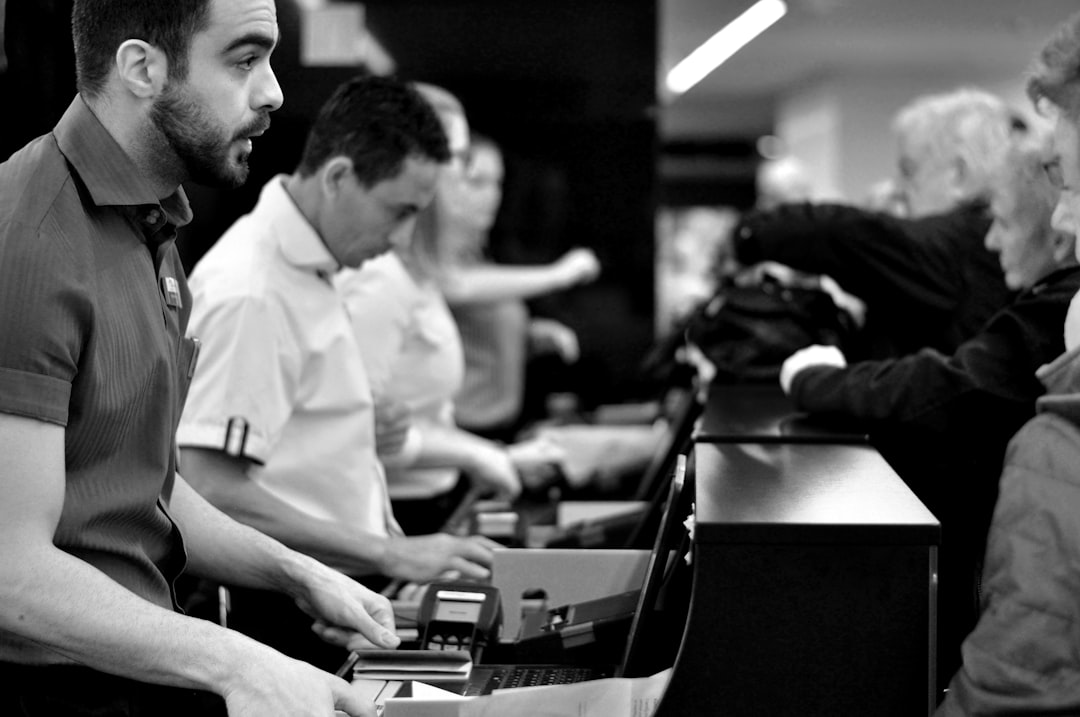
One weekend night, a quick-serve restaurant had one manager and three team members. The final hour included a partial outage in a card reader and a lot of mixed payment methods. Instead of stopping to fix everything at once, the team ran the ten-minute ritual. They captured three facts, asked AI for an ordered priority, and assigned two owners immediately. The unresolved list moved from six items to two by the end of close.
The next morning, the team started with clear instructions. One person handled a pending manual refund, another confirmed the stock note, and the third reviewed one payment exception before opening service. The closeout still took extra attention, but it did not become a guessing session, and they did not reopen the same issue during lunch.
How to catch false confidence
AI can make a process look complete when it is only tidy. Use a simple sanity check before you move on:
- If the assistant says "all clear" but one exception remains unresolved, treat it as unresolved.
- If the same issue appears with two owners, remove one owner and assign one accountable person.
- If the closeout cannot be explained in 30 seconds, simplify the prompt and reduce context.
These checks stop the team from over trusting automation. They keep people honest without creating extra paperwork.
Measure progress without overoptimizing
Track two numbers for seven days:
- Unresolved closeout items carried into the next shift.
- Reopened items from the same cause.
If both numbers drop, keep the routine. If only one drops, tighten the one weak line in your sequence. If neither drops, remove one ritual step and keep the most useful one.
Small teams get stronger fast when closeout is boring
Reliable closeout is not glamorous. It is practical. A small team only needs a reliable repeatable step. AI can help you see the pattern faster, but your team still needs one person, one line, and one deadline.
Use this method tonight, and then use one calm closeout loop to set better mornings. If you want to run this workflow inside your current POS setup, download M&M POS and apply the ten-minute routine this shift.