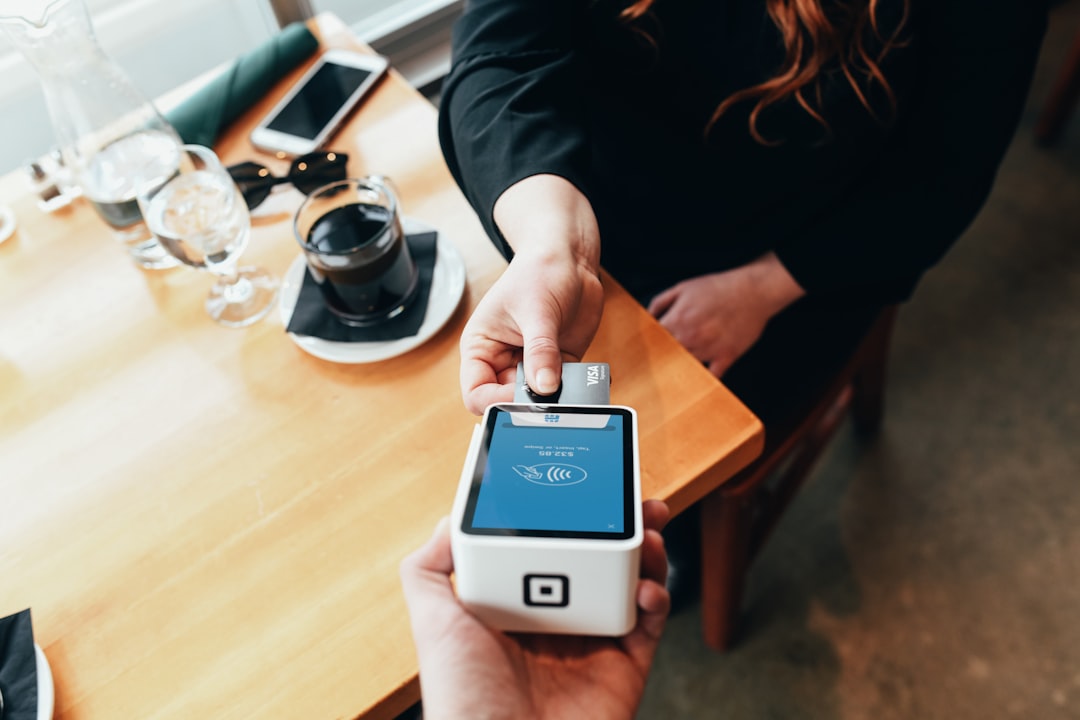
One payment clarification habit at checkout can prevent expensive disputes and close-of-day surprises without adding friction.
At 11:18 on a Saturday night, a guest asks your counter team to split a dinner bill by card, cash, and a gift card. Your server jumps between screens, the POS beeps, and the team moves on. At the end of the shift, the register closes cleanly, yet the team still has two unsettled questions: where is the remaining cash, and who said they would settle the later part of the card payment?
These situations are not mistakes made out of laziness. They are speed decisions made under pressure. If your checkout feels busy, every worker does a mental tradeoff between speed and certainty. The goal is to hold that speed while building in a tiny, repeatable certainty step that does not slow the line.
Why cash flow questions appear even when totals look right
Most owners get surprised by disputes because a payment entry can look correct at first glance but still be unclear in dispute conversations. A receipt might show a total, a partial payment, a tip, and even a gift card. What gets lost is the context behind the split.
Charge disputes are often started by facts that were never written down at the moment of sale. A guest may say, "I tipped extra for service," or "The card got declined once and then passed." If the receipt line does not show the event path, support teams and owners lose hours reconstructing what happened.
Use a three-beat payment clarity routine
Small teams can run this routine with almost no friction, because it happens once per split or exception payment. It is better than a long training document because it is short enough to memorize.
- Capture the exception signal. As soon as a payment has an unusual path, tap a short note on the ticket before it leaves the screen. Use a standard label, such as "manual split", "gift card + card", "tip pending", or "phone auth delayed".
- Verify with a concrete amount. Confirm with the guest: "That means $12 card, $18 cash, and a $5 gift card balance, correct?" This takes two extra sentences and avoids guesswork later.
- Tag what changed. If a payment stayed pending, failed and re-ran, or changed method after authorization, tag it with one short reason in your notes and close the order only after the cash side is matched.
That is all. Not five pages of policy, not ten approvals, just three taps with your regular POS flow.
How to make the routine stick on a busy shift
At most sites, the bottleneck is not the process itself but consistency. Everyone believes it is obvious until the line fills. Put the routine on a physical cue that is visible to the station lead, not hidden in a hidden SOP page. A small sign with the three beats in order helps more than a long checklist in software.
Then, teach the team in one short role-play. Run one 90-second scene every morning opening before orders start. The scene should be the most common exception in your shop: split payment, tip adjustment, or delayed authorization. Workers remember stories better than policy lists, so use real words they already speak.
Design your POS screens so the routine is natural
Good habits only hold when your software shape supports them. If the ticket notes field is hidden behind two taps, your team will skip it. If your split payment flow hides the final totals, they will not verify the amounts clearly. Your goal is to reduce clicks for normal sales and force a tiny confirmation for exceptions.
Ask one manager to run a 15-minute walkthrough of your current checkout flow. Count where people hesitate during payment exceptions. Those are the places where a missing note or missing confirmation gets created. If the software cannot place a short note, add a temporary process note at order completion until you can adjust training and layout.
From cash drawer noise to a clean closing report
At shift end, the routine gives your team a better close report without adding more work. Instead of searching for a mystery gap, your team can pull all notes flagged with your exception labels and do a short resolution pass. Most teams only need three minutes.
- Match each manual split with cash drawer adjustments.
- Confirm gift card balance entries against POS ticket history.
- Follow up with staff if a card authorization had to be retried and verify whether a receipt correction was sent.
When your close pass starts with this structure, a "short cash difference" becomes a specific known item, not a mystery. That matters when managers rotate and training quality varies week to week.
Weekly review and prevention, not punishment
Owners often assume dispute prevention means policing staff more. It usually means giving staff better records. Once a week, pick one half hour and review only flagged exception payments, not every sale. Mark trends, not blame. If three out of ten split payments use the same correction pattern, that is a process issue, not a staff issue.
Use the trend to tune categories. If guests often pay part of an order with an app method at the same time as cash, tune your queue instructions so that method is captured as one grouped payment event. If gift card balances are often misread, add a receipt line habit at the register where staff say the remaining gift balance out loud before closing.
Train with examples, not fear
One of the most effective shifts in behavior comes from one realistic script. Share this in your first team huddle:
"If the payment is not a clean one payment path, capture the path in one sentence, confirm it with the guest, and tag it before closing."
That sentence lowers disputes because it shifts the job from memory to action. Staff can make mistakes after that moment, but the key detail is already captured.
Take the next step
For teams that want the routine in your existing stack, the first test is simple. Run one shift using this method only on lunch and close with a 5-minute tally. Compare your close variance and support calls before and after. Then, when it works once, keep it. If your shop is ready to make this cleaner for every checkout exception, start by updating your POS setup and operator flow. The same foundation also helps if you handle invoices, gift cards, or pre-paid reservations later. You can begin by getting the app itself updated and configured for your team with this routine built into daily use, which is easy at setup after you download M&M POS.