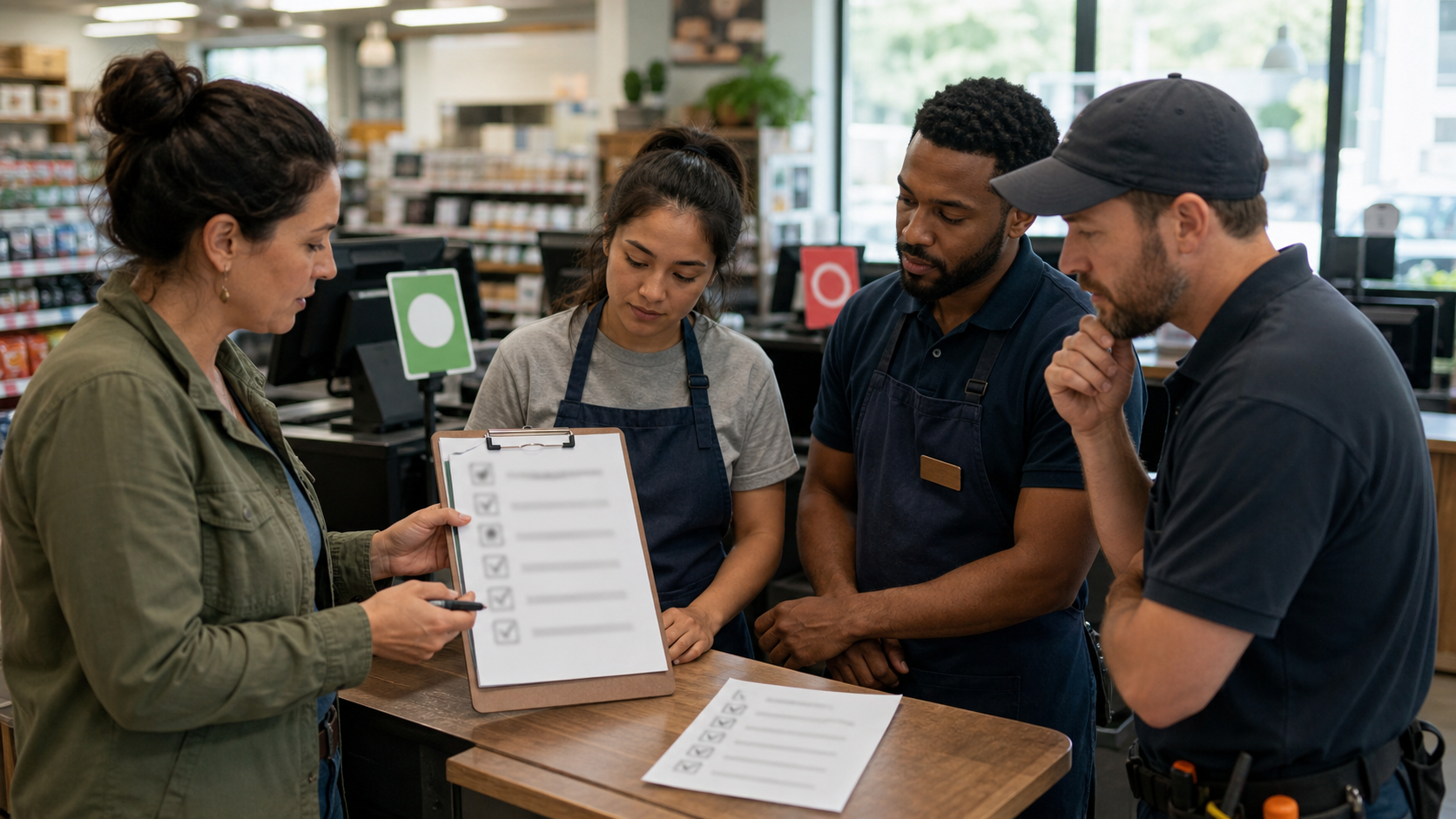
When one terminal drops and another lane keeps taking orders, a short AI-ready checklist can keep your team in control through the middle of rush-hour noise.
At 11:07 in the morning, the lunch rush is half awake. Lane one is moving. Lane three is lagging. Lane two is showing a spinning wheel when guests tap pay. If you run a store, this scene is familiar, and it usually ends with the same question, Who is in charge right now?
Most teams make one familiar mistake. Everyone starts fixing everything at once. One person checks Wi-Fi, another reboots a tablet, a third keeps taking orders and another waits for a manager to return. This creates energy, but not clarity. In the same hour, confusion costs more than a slow lane. It costs trust.
This guide is for mixed outages. One or two terminals may be working while another station is down. In real operations, partial failure is more common than full stop, and mixed state is harder to manage because teams naturally assume one rule fits all lanes.
Start with a 60-second lane map
Skip cause analysis first. Ask for lane state only and assign it in plain language:
- Green means the lane is taking orders and payments.
- Yellow means order intake is possible, but payment is unstable.
- Red means no payments, no exceptions, and no extra pressure.
- Gray means the lane is online, but not trustworthy enough for queue spikes.
Use a one-line status board or note that everyone can see. If your team updates this every five minutes, they stop guessing and start acting. A status board is not glamorous, but it is a fast way to stop panic.
Make the checklist a shared workflow
Build a standard readiness list that always runs in the same order. Keep it visible near the host desk:
- Which lanes are green, yellow, red, or gray.
- Who owns each non-green lane.
- Which orders are fully captured and which are pending.
- Any drawer, signature, or payout exception.
This is not a new policy for every shift. It is a routine. When routine exists, people recover faster because they do not invent behavior under pressure.
Use AI for short status summaries, not blind decisions
Automation can help teams stay organized, but only if the output is constrained to the same routine. Ask for a short summary with a clear action order. The ask should look like this: "Status: lanes 1 green, 3 yellow, 2 red. Pending orders: 4. Exceptions: one cash drawer reopen, one duplicate receipt retry. Next 10 minutes: do lane split, notify host, hold retry on open authorization failures."
The point is not to get fancy language from AI. The point is to give your team a clean sentence map so they can split tasks quickly. When one person is sure what to do in lane two, lane one can keep serving.
Use a trust list for guests and staff
Customers tolerate a delay when you give them accurate updates. They lose patience when updates are vague. Put a trust list on a shared screen or note. Keep one row per affected order with:
- Order ID
- Total
- Captured, partial, or manual note
- Owner
- Next check time
That layout sounds simple, and it works because it is practical. Guests no longer get a mystery answer like "we will figure it out." They get a clear line, such as, "Your order is held in partial status, and we will confirm payment by 11:20."
That sentence saves arguments and late apologies. It also lowers repeat questions when guests return to the host stand.
Separate safety tasks from speed tasks
Speed is important in a service business, but not at all times. During partial outage, separate two buckets before moving on:
Safety bucket: payment integrity, exceptions, and order capture reliability.
Speed bucket: queue balancing, friendly updates, and normal workflow recovery.
If a team member touches both buckets at once, recovery slows. Give one person safety ownership, one person speed ownership, then rotate after 10 minutes.
Standardize exception actions in one short sentence
Write these in your staff folder. They are short on purpose.
Partial authorization: pause retries, log the order note, inform guest with a clear time, resume after status check.
Duplicate receipt: compare total and time, keep one active, mark one for manager verification.
Card terminal warning: do not switch payment method until the warning is understood.
Simple steps, done repeatedly, are what prevent late close surprises.
Plan for a clean handoff after the outage clears
When the red lanes return, teams often launch into deep cleanup too fast. Slow down for a short handoff reset first. The reset is five items:
- Reconfirm lane states and ownership.
- Review pending exceptions and open notes.
- Pick one person for each unresolved item.
- Move confirmed orders into normal queue only when status is verified.
- Confirm no one is still using temporary notes.
Then do deeper cleanup. This is not about paperwork. It is about protecting the next shift from inherited ambiguity.
Train twice, not only when it breaks
One check-in per shift is ideal. Pick two low-stress minutes in a normal hour, then run through the lane map and one sample exception. You are not training drama response. You are training clarity, and that is cheaper to execute when traffic is low.
For recurring improvement, track two measures for one week. First, average guest update quality score from your team. Second, exception close time in minutes. If both improve, the checklist works. If not, shrink the list or simplify wording and test again.
Keep the operation light and readable
Teams do not fail because of weak software first. They fail because they have too much friction in the moment. A short checklist, one clear owner list, and one visible trust list can reduce friction without adding complexity. Keep it that way.
When you are ready to make this a permanent routine, you can download M&M POS and connect your POS setup with this workflow in one practical, repeatable shift plan.