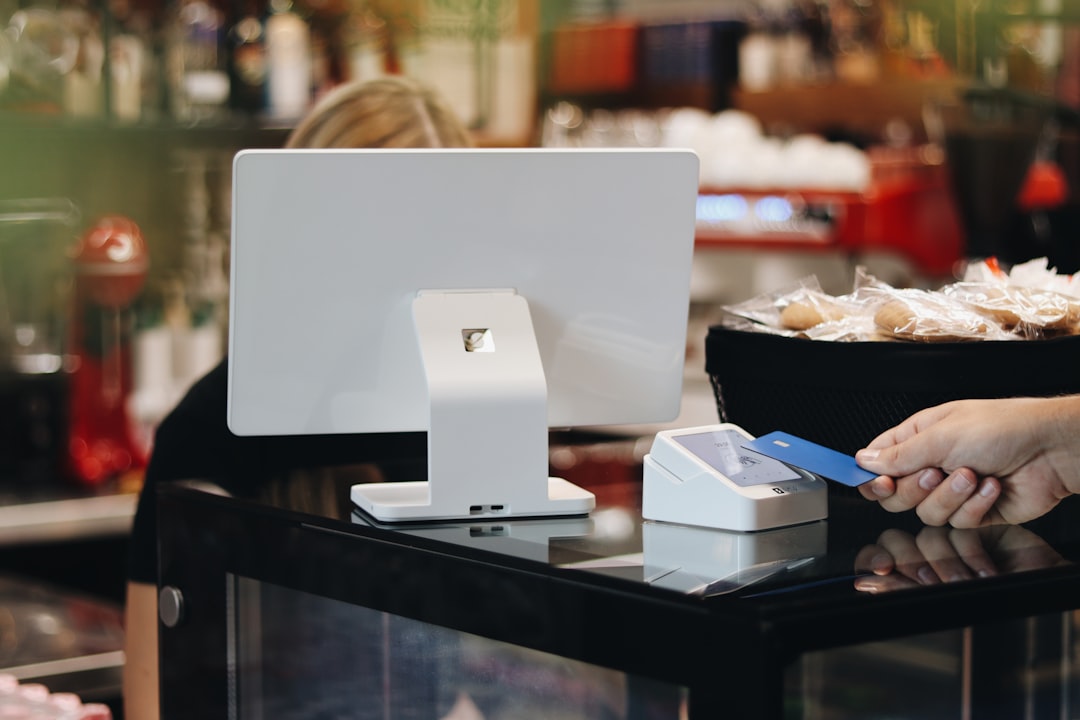
A short open-to-close terminal sweep helps teams catch tampering signs, unusual reversals, and process drift before guests notice. This routine is quick, practical, and designed to fit small-team rhythms.
At 11:57 on Friday night, Sara notices that Lane 2 is slower than normal. The line is steady, the queue is patient at first, and the card reader still beeps. Then one order shows up as a pending settlement twice in fifteen minutes. No hardware alarm sounds. No single transaction is obviously wrong. But by 12:07 she is untangling a refund complaint and helping a guest from line to side conversation while her other lanes are already carrying the wait.
Most teams are prepared for a crash, not for a quiet manipulation pattern. A tampered terminal, a hidden skimmer, or a terminal firmware setting changed overnight can look like noise until the issue crosses the line. Payment decline spikes, odd reversals, and slow closeout balances are rarely dramatic. They are small and easy to skip when service is busy.
Why most teams miss terminal problems
Most small operators do not have a dedicated security shift. They have one cashier opening the store, one cook, one manager. Everyone is right to be busy. Security then becomes a side task no one owns. The result is the same pattern over and over: no one says the word, "We should check this now." People wait for a clear outage, then discover the issue after the damage is already visible to guests.
That is avoidable if you build checks into moments you already have: pre-open, pre-lunch peak, and closeout. This is not extra process for process's sake. It is a tiny interruption that saves a real interruption later.
Use a 90-second terminal sweep at three fixed times
The number 90 is not magic. It is the rough time it takes to run three fast checkpoints for each active terminal lane, based on practical constraints in small venues. We use the same idea in 12 hours out of 24, not limited to audits.
- Physical seal check. Every terminal has a visible tamper point. Confirm no loose faceplate, no new scratch near card slot, no loose charging cable, and no strange tape over the reader opening. One minute of touch and glance is enough.
- Service setting check. Confirm the lane mode matches expected behavior for your shift. If your terminal suddenly behaves differently from nearby lanes, note it. A sudden change in payment methods, signatures, or settlement preferences can indicate unauthorized adjustment.
- Transaction check. Open the recent activity list and confirm the same clerk is not handling an unusual number of reversals or retries compared with the lane average. The goal is not to police staff. The goal is to catch anomalies early.
If one lane misses any of these three checks in 90 seconds, log it, tag it, and hold escalation on the floor. Keep it simple. This is a red flag, not a verdict.
Turn security into staff language, not management language
Language matters because people follow what is easy to remember. Managers can describe procedures all day and still have no one follow them. A short script helps.
Use this opening at handoff:
"Lane one through three complete the 90-second sweep. Note any unusual reversals, reader behavior, or reset events before shift starts."
Then each shift lead can add one more line:
"Lane status: clean, clean, watch list, or block and reset."
That language is intentionally boring. It sounds less like a checklist and more like a shared code. Your team will repeat it because it is easy to say and easy to act on.
What to flag before guests notice
Most operators want a perfect list of threats and legal references. You do not need that first. Start with a small watch list and grow it only if the pattern repeats.
- Recurring partial reversals at the same minute interval
- Frequent manual payment method changes without shift notes
- Terminal disconnects that clear themselves and then return in one lane only
- One staff member carrying repeat exceptions across different shifts
Each item can be a normal operating event by itself. If two or three appear together, the lane is now higher risk and should be moved off the front line until reviewed.
How to avoid slowing service while running checks
This is where many security plans fail. People refuse anything that adds friction to peak flow. Run the sweep at the moments where there is already a pause: when staff are taking over a shift, before a known peak, and before closeout cash reconciliation. That keeps customer speed unchanged and keeps leadership visibility higher.
If the site is busy and there is no open lane at that moment, assign the check to the most available team member and do it together with one normal task, like printer roll replacement or receipt binder prep. It looks less like security theater and more like daily care work.
Use your POS settings as an early warning system, not a black box
Do not wait for advanced risk tools. Start with the behavior you can already see in your logs and shifts. Keep three simple columns in one shared note: lane, anomaly type, time. If your team notes a pattern, move to a deeper review in the next non-peak window.
Common triggers for deeper review are not dramatic fraud claims. They are patterns: repeated reversals, unexplained offline mode switching, or staff notes that seem different from typical lane rhythm. Once you confirm one lane is unstable, treat it as a controlled issue and isolate it until the problem is clear.
Closing the loop, so this does not become a one-off drill
Security routines fail when nobody follows up. Make two tiny moves:
- At close, log a one-line summary for each lane: clean, watch list, or isolated.
- In the next morning huddle, review only the watch-list lanes and the one pattern that changed overnight.
If nothing changed, great. If one lane still shows repeated red flags, open a root-cause run at once. A 90-second routine works only when it has a next step.
One practical way to start this week
Day one: choose one terminal and one staff lead and practice this routine before opening and before close. Day two: add the second terminal. Day three: make it your standard handoff language. Day four: review one week of logs and ask one question: Did our guest wait times improve when we found problems earlier, or did service hold up the same?
If you already use a digital workflow for staff notes and closeout logs, this will blend in easily. If you still use paper notes, this might be your moment to switch to structured, searchable workflow instead of memory-based checks.
Once you run it consistently, you are no longer waiting for a bad headline about one stolen card reader. You are making small, repeatable decisions that keep service normal and risk controlled. If you already use a digital workflow, the next step is to move your core operations into download M&M POS, where daily logs and lane-level review can be part of your standard workflow.
Direct URL: https://mmpos.app/download