


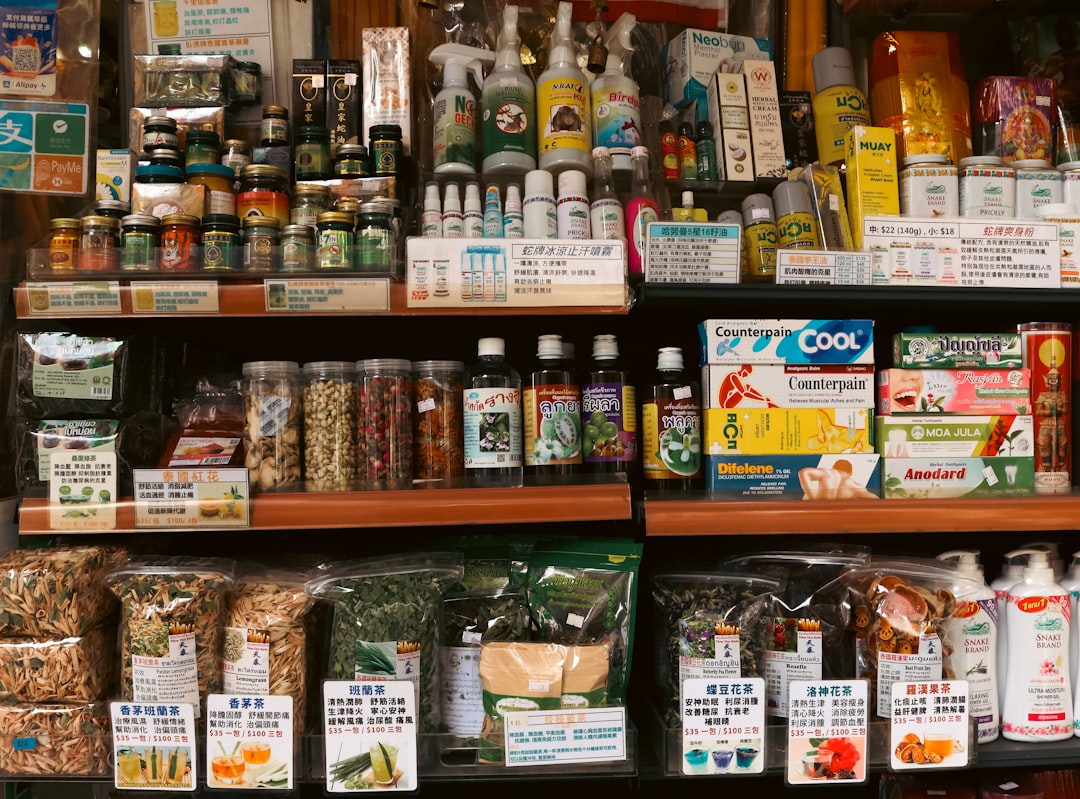
A practical labeling and shelf-accuracy workflow for small retailers responding to renewed interest in label makers, micro-enterprise tools, and cleaner inventory operations.
Fresh retail technology headlines are not only about robots, AI, or giant online marketplaces. One useful signal this week is much more ordinary: demand around label makers and commercial micro-enterprise tools keeps showing up in business news feeds. That sounds small until you run a store. A clear shelf label, a readable SKU, a clean bin tag, and a consistent price sticker can prevent checkout arguments, missed reorders, wrong counts, and time wasted hunting for the right item.
For a local retailer, labeling should not be treated as a one-time office chore. It should be tied to the point of sale. The register is where item names, prices, categories, tax settings, and sales history become real. When the shelf says one thing and the register says another, the customer only sees confusion. M&M POS gives small operators a practical center for item data, sales review, and daily checkout discipline. If your current setup is still a mix of handwritten tags and memory, you can download M&M POS and start turning product records into a cleaner store routine.
The label is the last mile of your product data
Most stores think about product data as something that lives inside software. The customer sees it as a label. A team member sees it as a bin location, a barcode, a size sticker, or a shelf tag. If those pieces are not connected, the best POS data in the world still creates friction on the floor.
Start by picking one section of the store that causes the most confusion. It might be phone accessories, convenience items, prepared foods, thrift inventory, vape products, repair parts, or seasonal merchandise. Pull the item list from your POS, then compare it against the shelf. Look for missing prices, old promo signs, duplicated item names, unclear variations, and products that have no obvious home. The goal is not to relabel the entire store in one exhausting night. The goal is to create a repeatable lane that can be used department by department.
Build labels from decisions, not decoration
A good label answers four questions quickly: what is this item, what does it cost, how do we scan or enter it, and where does it belong? The exact format depends on the business. A boutique may need style, size, and color. A repair shop may need part number and compatibility notes. A deli or cafe may need item name, preparation cue, and price. A convenience store may need unit price, tax category, and age-restricted handling notes.
Use the POS item record as the source of truth. If the label needs a shorter public name than the back-office item name, make that an intentional rule. For example, the register item might be "USB-C Cable 6FT Black Generic," while the shelf label can say "USB-C Cable 6 ft - Black." The important part is that the barcode or SKU still points to the correct record. A pretty label that scans to the wrong item is worse than a plain label that works.
Create a weekly shelf-label audit
The simplest audit is a clipboard walk. Pick one department each day, scan or search a sample of items, and mark three things: price matches, label exists, item can be found by a new employee. If any answer is no, fix the POS record first, then print the replacement label. Do not let the team patch the shelf with a handwritten tag while the system stays wrong. That is how stores drift back into chaos.
A weekly audit also protects margin. If vendor costs rise and the price book changes, the shelf must follow. If a seasonal item gets marked down, the label should not be stuck at last month's price. If a product is discontinued, the old bin tag should come down so employees stop hunting for inventory that will never return. Good labels make the store feel more professional, but the bigger win is fewer invisible mistakes.
Use labels to train new employees faster
Small businesses often rely on memory because the owner knows every shelf. That breaks when a new employee joins, a second location opens, or a busy weekend brings temporary help. A consistent label format becomes training material. New staff can learn departments, item names, and scan behavior without asking the owner twenty times per hour.
For restaurants and counter-service shops, the same idea applies to prep shelves, grab-and-go coolers, catering bins, and retail add-ons. Labels can reduce mistakes between similar products, especially when packaging changes or vendors substitute items. The POS can tell you what sells, but the label helps the employee find and sell it correctly.
Turn labeling into a revenue routine
Clean labels support better attachment sales. If accessories are clearly grouped with the items they support, employees can recommend them with confidence. If clearance tags are easy to spot, slow movers leave the store before they become dead inventory. If bundle components have consistent labels, the register can ring the offer correctly instead of relying on a manager override.
The practical plan is simple: choose one messy department, clean the POS item records, print the labels, audit the shelf, then review sales after two weeks. Did scan errors drop? Did employees ask fewer questions? Did slow items start moving after better signage? That feedback loop is more valuable than buying the fanciest label printer. The tool matters, but the routine matters more.
Labeling is not glamorous retail tech. That is why it gets ignored. But for a small store trying to protect time, margin, and customer trust, tiny labels can be a big operational upgrade when they are connected to the register instead of treated like office supplies.
