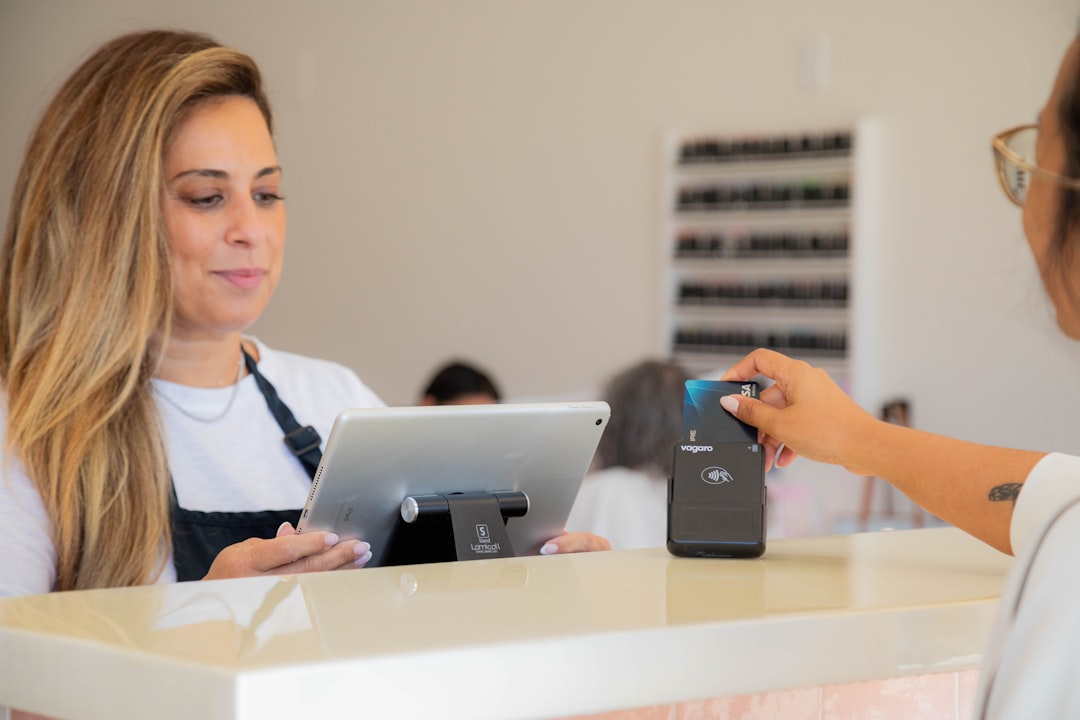
Busy shifts stay steady when POS access rights are clear, role-based, and reviewed before opening.
It is 3:58 AM in a busy corner coffee shop. The line is already growing. The manager is there before the baristas and the dishwasher, not to make a new coffee, but to check who can still sign into each POS account before doors open. She is not trying to become a cybersecurity expert. She is trying to avoid the 20-minute chaos that happens when one role can still cancel a sale while another can edit prices by accident. A short permissions check saves those surprises, and it is easier than cleaning up a mess after the first rush.
POS permission checks are often treated like a deep IT project. They are not. They are a front-of-house habit. If your team can run the register quickly, handle discounts safely, and know who can reverse a transaction, your operations feel calmer all day. If not, confusion starts at every shift change. One person says, Lets just do a void, another says we cannot touch the drawer, and the team spends more time negotiating than serving guests.
Why access rights become real fast
Small stores usually grow one person at a time. One holiday helper. One weekend temp. One new manager on weekends. The access rights then slowly become a collection of old habits and inherited permissions. Most mistakes are not malicious. They are just normal human leftovers. Last week's temp account might still have manager-level access. A staff member who no longer works may still have a login and a PIN. A cashier may still see only a part of the POS menu, but no one remembers who changed that setting.
Each of these leftovers does not always cause a visible outage. Sometimes the cost is small and annoying. A discount is applied too early. A void appears in a strange hour. A manager override is needed when the same register seems to work one day and fail the next day. Over time these add up to extra disputes, missed sales, and stress.
What to check before the first shift ends
1) Review account status and shared logins. Ask your team to stop using shared usernames after you set an owner-level account map. If a shared login exists, make sure it has only the smallest needed rights. One shared login for one counter is easier than shared confusion, but it still needs tighter controls than a personal account. A shared login should never be the one with broad admin-like rights while another team member uses a basic role.
2) Confirm role rights for refunds, voids, and discounts. If a cashier can start a sale and cash out, that does not mean everyone should be able to override prices. Keep a simple rule list visible in the back office: who can sell, who can discount, who can return, and who can void. If everyone can do everything, there are fewer boundaries and more mistakes.
3) Check item and price edits. A rare edit path can become a daily problem. A fast staff member can accidentally tap the wrong menu edit and leave a changed item price. Make sure only one role can edit base prices and modifiers. That role can be a manager account or a lead role, but it should be clear and documented.
4) Confirm drawer and till access. Not every role needs the same cash drawer authority. Drawer controls are where trust and timing meet. During a morning prep, verify if anyone can open the cash drawer outside register flow and whether that matches your current staffing. The goal is simple: no one surprises a closeout because they opened and closed with different authority levels.
5) Verify report visibility. Staff should not need dashboards they do not use. Too much data access can make it hard to spot who changed what at noon versus who did it at close. Keep a simple report matrix: manager-level reporting, supervisor-level reporting, and cashier-level activity log only. If there is a daily summary report, assign one person to review and sign it.
What a 15 minute permissions check can look like
Here is a concrete route that works even for a team that is always short on hands:
Before shift handoff. Open the user list, and sort by role changed in the last two weeks. If a role looks unfamiliar, pause and map it to a current person. If no one owns it, disable it. Then, open permission sets for cash discounting, voiding, and returns and test one sample case each.
During busy windows. Keep a short backup note inside a visible team binder or digital note: who approved the override, who applied it, and why. A one-line note does not need legal language. It just prevents a repeat argument when the same pattern happens at 7:20 PM.
After staff change. The most common stale rights come right after onboarding, changing shifts, or someone leaving. Add a rule that every hire, transfer, or departure triggers one login pass. If a role is changing from backroom to frontline, verify their right to run the register and discount policy. If they are leaving, disable access before the next shift starts, not after they are physically gone.
A practical example that avoids a future mess
Two retail kiosks in one town once had similar routines but different outcomes. In one store, both registers used one shared cashier login with lots of rights. In the other, each staff member had role-based access, and only one manager could modify price rules. During a weekend rush, the first store had three returns that needed manual correction and one missing gift-card deposit because two people were uncertain about override flow. The second store had one short pause, fixed in under two minutes because the on-duty lead knew who could apply the override and who could not.
Nothing dramatic happened in either place. Both stores served the same customers, sold similar products, and had similar traffic. The difference was not staff skill. It was predictable access controls. If you run into one mismatch every few days, fix it once and document it. If you run into one mismatch every day, your permission map needs redesigning.
Turn this into a repeatable routine
Small teams do well with a simple cadence. On Monday, Wednesday, and Friday, do one deeper role review. On staff-heavy days, do a short front-end pass and save the deep check for a quieter hour. Keep it light. The team should not spend one day in a permission maze before a holiday weekend. They should spend five minutes per hour and fifteen minutes per day. That is practical enough to last.
Use the same format each time:
- Role map confirmed.
- Critical rights verified for the next shift.
- Temporary or unused accounts disabled.
- One manager or lead documented the changes.
That list does not replace judgment, but it keeps the chaos out of your opening routine. If one team member asks for a permission change, require a note, even if it is brief. If a permission change is denied for safety, explain it quickly and escalate. The goal is confidence, not control theater.
One final shift-day tip
Do not wait for a problem to discover bad role settings. Build permissions into your normal coaching, not into an annual security review. If the team already starts with a predictable check before opening, the shift runs more like a team, and less like a mystery puzzle.
If this kind of checkout routine would help your shop, you can download M&M POS and test it with your own setup.