
Apple and Google increasingly filter, summarize, and deprioritize notifications. Learn how to design low-fatigue messages (receipts, order updates, reminders) that customers keep enabled, using your POS data responsibly.
For years, a push notification felt like a direct line to your customer. You wrote a sentence, pressed send, and it showed up on a lock screen.
That mental model is outdated now.
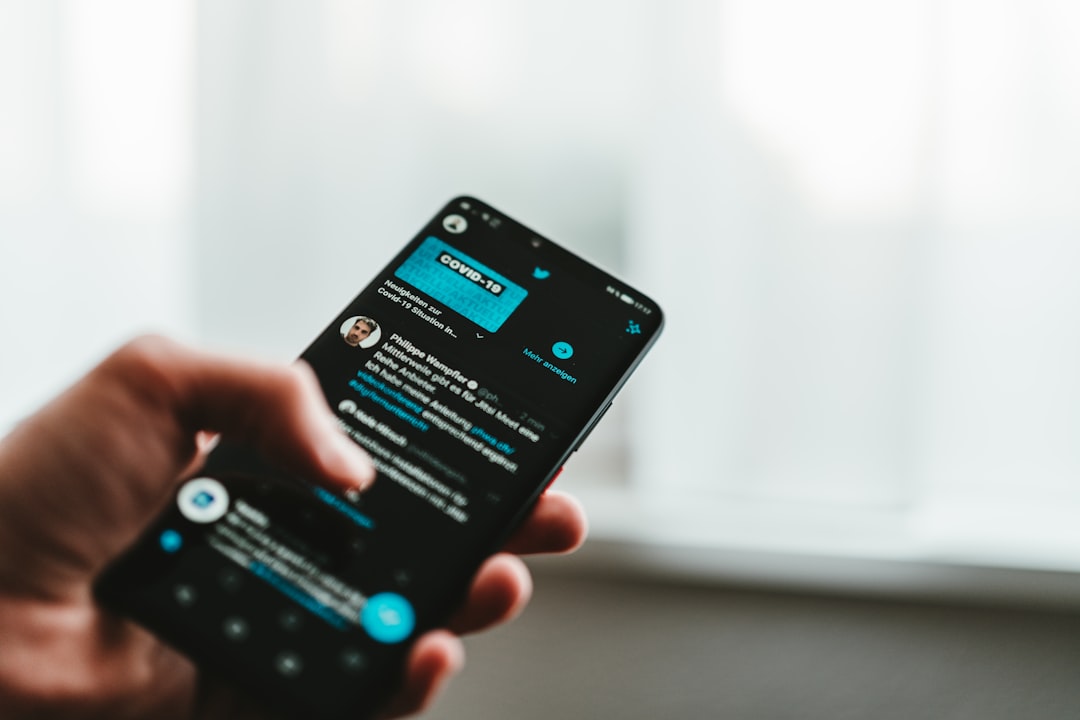
On both iOS and Android, the platform increasingly sits between you and the customer. Notifications get grouped, deprioritized, hidden behind modes, summarized, and quietly trained by user behavior. The phone is no longer a dumb mailbox. It is an editor.
This matters for local businesses because notifications are not only marketing. They are also service: order updates, appointment reminders, pickup readiness, receipts, and fixes when something goes wrong.
So the goal is not to blast harder. The goal is to send notifications that are useful enough that customers keep them on.
The new reality: your push is competing with the phone itself
From an engineering perspective, push always had a gatekeeper (the platform infrastructure). But what has changed is the level of visible intervention. The operating system now actively defends attention. That defense shows up as:
- Permission prompts that reduce opt-in over time.
- Notification categories and channels that let users mute promotions while keeping critical alerts.
- Focus and interruption modes that suppress most messages during work, sleep, or driving.
- Grouping and summaries that collapse many notifications into one glance.
None of this is evil. Most customers want fewer interruptions. But it means a small business has to become more intentional.
A simple rule that works: treat push like a receipt, not a billboard
If you want customers to keep notifications enabled, follow one guiding principle:
Every push should feel like it saved the customer time.
The messages that earn trust tend to be:
- Order ready for pickup.
- Appointment reminder with time and location.
- Back-in-stock alert for something they explicitly asked about.
- Service completion note with next steps.
- Receipt delivered when requested.
The messages that get muted tend to be the ones that sound like a flyer.
Design your notification system with three lanes
One of the best changes you can make is to stop treating notifications as one stream. Split them into three lanes, each with a different promise:
Lane 1: Transactional (must be dependable)
Examples: receipts, refunds processed, order status changes, pickup ready, delivery out.
These messages should be:
- Short and literal.
- Consistent in wording (so customers recognize them).
- Low frequency, only when state changes.
Lane 2: Reminder (helpful, time-bound)
Examples: appointment tomorrow, subscription renews, item held until 5 PM, payment link expires.
These messages should be:
- Scheduled, not spammed.
- Easy to act on (call, reschedule, directions).
- Clearly tied to something the customer chose.
Lane 3: Promotional (earned, not assumed)
Examples: sale announcements, new menu drops, seasonal specials.
These messages should be:
- Opt-in separately if you can.
- Sent rarely, with real value.
- Targeted based on what customers actually buy (not what you wish they bought).
Even if you are not building an app, this mental split helps. It is how you avoid the common failure mode where your promotional volume causes customers to mute your transactional messages too.
Where your POS fits: notifications should be triggered by truth
The most annoying notifications are the ones that are wrong. Wrong time, wrong status, wrong product, wrong store. That is why you want your POS to be the source of truth for notification triggers.
Practical examples:
- Send a pickup-ready message only when the ticket is marked complete, not when the order is placed.
- Send a receipt only after the payment is captured, not when the cart is created.
- Send a refund confirmation only when the refund is finalized, not when it is requested.
If you are tightening this kind of workflow, start with the POS foundation. A system like M&M POS is built around clean transaction records and day-close reporting, which makes it easier to drive accurate customer communication off real events. If you want to try it, you can download M&M POS and set up a test dataset before rolling it into production.
Write notifications for the summarized world
Here is a subtle shift: in many experiences, the customer may only see the first line, or a summary, or a group label.
So write with a front-loaded structure:
- Line 1: What happened (ready, confirmed, updated).
- Line 2: The essential detail (time, order number, pickup window).
- Line 3: The action (optional).
Do not bury the lead. And avoid cute copy that only makes sense when fully expanded. The OS may never show the full version.
Frequency is a product decision (set a cap)
Most small businesses do not need more creativity. They need a cap.
Pick a maximum promotional cadence and stick to it. Two examples that tend to work:
- Retail: one promotional push per week, max, plus transactional as needed.
- Restaurants: one promotional push per week, max, timed to slow periods.
If you need to communicate more than that, use other channels (in-store signage, email, social, and your website). Push is for time-sensitive value.
Use opt-in like a contract: explain the benefit at the moment it matters
The worst time to ask for notification permission is the first time someone opens an app or signs up for a list. They have not received value yet.
Instead, ask when the customer is about to benefit:
- While placing a pickup order: enable notifications for pickup readiness.
- After booking: enable reminders for appointment updates.
- When requesting a digital receipt: enable notifications for receipts.
This is the same logic as good staff training: you explain a step when it becomes relevant, not all at once.
Closing thought
The platforms will keep tightening attention. That is not a reason to give up on notifications. It is a reason to send fewer, better ones and tie them to real events.
If you want a transaction backbone that makes those event-driven messages reliable, start with M&M POS and keep the installer ready here: download M&M POS.