


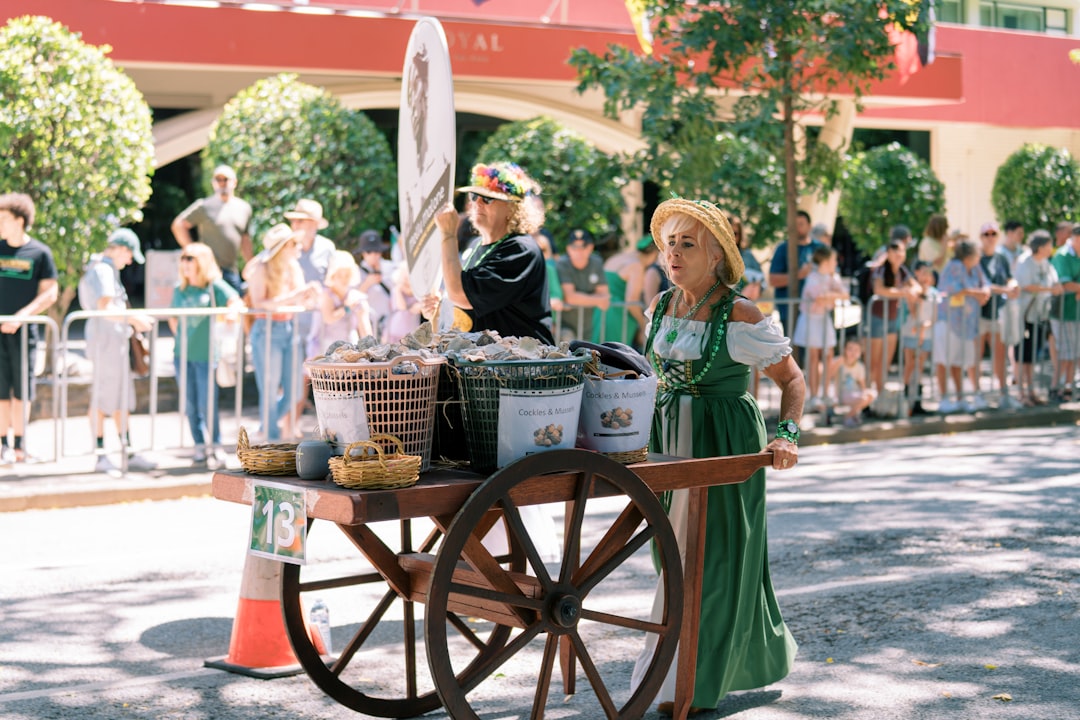
Summer pop-ups can be your best marketing channel or your messiest day of the year. This portable POS playbook covers setup, product prep, taxes, offline contingencies, line speed, and end-of-day reconciliation - written for small teams.
The pop-up fantasy vs the pop-up reality
Fantasy: sunny weather, a steady line, new customers, easy sales, and you go home with a stack of cash and a camera roll of content.
Reality (if you do not prep): slow checkout, missing prices, spotty internet, a dead phone battery, and the worst possible moment to realize you do not know how you will reconcile taxes and inventory on Monday.
The difference between the two is not luck. It is a portable POS playbook.
Before we dive in: a portable setup is exactly where a clean, fast POS matters most. If you want a lightweight register that can run a real operation (not just take payments), start with M&M POS. You can download M&M POS, build a pop-up catalog, and rehearse the full flow before event day.
A story: two booths, same crowd, totally different outcomes
Imagine two vendors at the same Saturday market.
Booth A has great products but a slow checkout. Prices are "in their head". The line stalls. People bail when they see the wait.
Booth B has the same product quality, but the line moves. Customers can tap to pay fast. Receipts are clean. The team captures emails with opt-in. They leave with fewer headaches and more repeat customers.
Booth B is not "more technical". They are just running a system.
Phase 1: Before the event - build a pop-up catalog that rings fast
1) Reduce your menu to what you can execute
Pop-ups reward focus. Cut items that slow down decision-making and fulfillment.
A good pop-up menu is:
- Small enough to memorize
- Clear pricing (no "it depends" at the register)
- Built around your best margin and easiest fulfillment
2) Pre-build variants and modifiers
If customers choose size, color, flavor, add-ons, or personalization, build those options into the POS as structured choices. Do not rely on free-text notes if you can avoid it.
Why? Free-text notes are slow and error-prone. Structured options ring faster and report cleaner.
3) Decide how you handle tax (and label it clearly)
One of the easiest ways to create chaos is treating tax as "we will figure it out later".
- If prices are tax-included, print that on the sign.
- If tax is added at checkout, make sure the POS calculates it consistently.
Customers are not mad about tax. They get mad about surprises.
4) Build a "fast keys" screen
At an event, every extra tap costs you sales. Your register screen should feature:
- Top 10 sellers
- Most common variants
- A single "custom item" fallback (with a manager-only permission if needed)
Phase 2: Hardware and connectivity - assume the internet will betray you
1) Power is a product
Bring more power than you think you need:
- Two charged battery packs
- Extra cables
- A plan for charging between rushes
Dead devices are not an inconvenience. They are a total shutdown.
2) Connectivity: primary + backup
Your event plan should include:
- Primary internet (phone hotspot or venue wifi)
- Backup internet (second phone on another carrier if possible)
- A manual fallback plan (what you do if payments go down)
Write the fallback plan down. In a real outage, people freeze unless the plan is obvious.
3) Payment flow: keep it simple
Choose the methods you will accept and communicate them clearly on signage.
- Card / tap
- Cash (if you accept it)
- Optional: QR pay methods if they are reliable for your audience
Remember: every extra payment method is also extra reconciliation work later.
Phase 3: Line speed - design the booth like a system
1) Split the work: greeter, ring, fulfill
If you have more than one person, do not make one person do everything. The highest leverage move is splitting the line into roles:
- Greeter: answers questions, points customers to bestsellers, preps them to order.
- Ringer: runs the POS, takes payment, keeps the line moving.
- Fulfillment: packs, labels, hands off product.
This keeps the register from becoming the bottleneck.
2) Use clear signage so customers self-serve decisions
Your line moves at the speed of decisions. Put the decision-making on the wall:
- Prices large and readable
- Variants listed clearly
- What is sold out (so nobody gets to the front and starts over)
3) Pre-pack and pre-label where possible
If you can pre-pack bundles, do it. If you can pre-label sizes, do it. Pop-ups are not the place to "customize everything" unless that is the whole point of your brand.
Phase 4: Capturing repeat customers (without being spammy)
Pop-ups are marketing, but only if you can convert "nice to meet you" into "see you again".
Easy, respectful ways to do that:
- Offer e-receipts (opt-in) so customers get a record of purchase
- Ask one simple question: "Want a receipt by text or email?"
- Include a small card in the bag with your hours and next event date
The goal is consent and clarity, not a surprise newsletter.
Phase 5: End-of-day close - do not leave it for Monday
The worst feeling is waking up two days later and realizing you cannot reconcile what happened.
At the end of the event, do a 15-minute close:
- Count cash (if any) and record it.
- Confirm card totals and tip totals.
- Export or screenshot the sales summary (whatever your workflow supports).
- Note any weirdness (refunds, voids, freebies) with reason codes.
- Update inventory for the items that matter most (top sellers and anything that might sell out next event).
Do it while the day is still fresh. That is how you prevent mystery losses.
How we think about pop-ups as builders
From an engineering perspective, a pop-up is a harsh environment: limited power, limited internet, lots of humans, lots of edge cases.
The best systems win by being boring:
- Few clicks
- Clear prompts
- Predictable totals
- Simple close-out
That is what you want from your POS on event day: boring and reliable.
If you are planning your next market, sidewalk sale, or festival booth, use M&M POS to build a fast pop-up catalog and a clean close-out routine. You can download M&M POS, run a test transaction, and practice the entire flow with your team before the gates open.
