


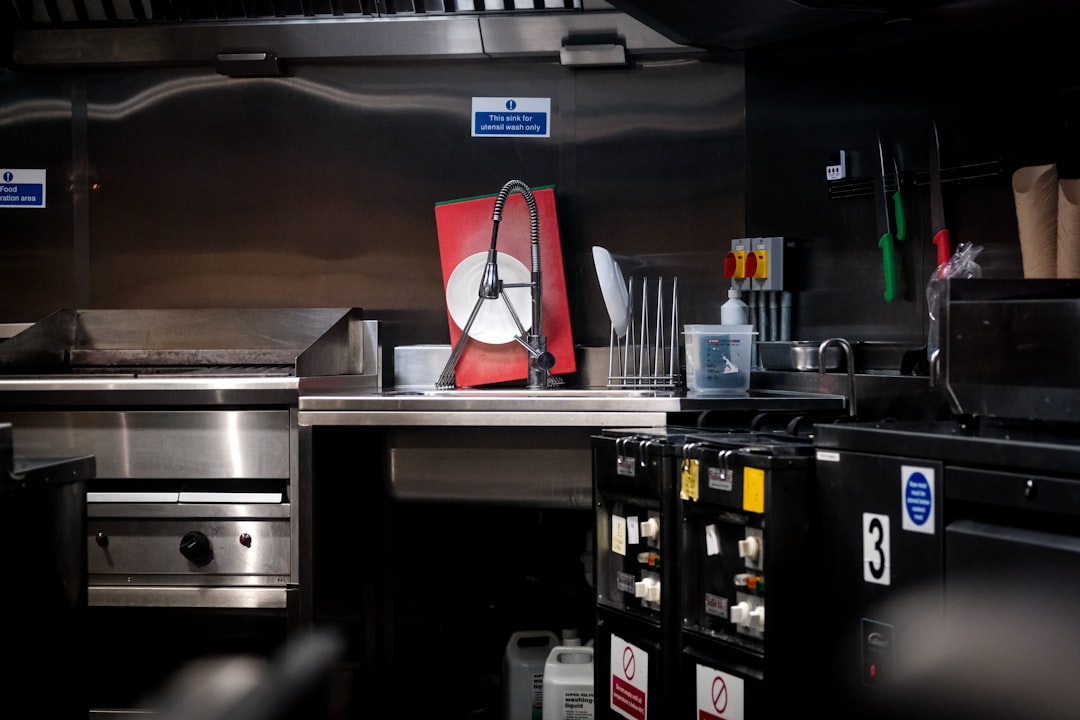
Kitchen display systems (KDS) are a practical way to reduce missed tickets and remakes. Learn a simple station + expo workflow that keeps service fast during rushes, plus a rollout plan small teams can actually follow.
If you run a cafe, quick-service restaurant, or busy counter service spot, you already know the truth: the kitchen is not slow because the cooks are slow. The kitchen is slow because tickets get lost, tickets get duplicated, and the handoff between order taker, line, and expo breaks down under pressure.
In 2026, one of the most practical upgrades a small restaurant can make is not a fancy loyalty app or a new delivery marketplace. It is a clean ticket flow: a predictable path from "order placed" to "done" that the team can trust on a slammed Saturday.
This guide walks through kitchen display systems (KDS) in plain language: what they solve, when printers still make sense, and how to set up a ticket flow that reduces mistakes without turning your line into a science project.
What a KDS really does (and what it does not)
A KDS is just a screen that shows tickets. The magic is not the screen. The magic is the workflow discipline the screen forces:
- Every ticket has a state (new, in progress, ready, served).
- Every station sees what it needs (grill, prep, drinks, expo).
- Every item has a destination (and does not rely on someone yelling).
A KDS does not automatically fix a messy menu, unclear modifiers, or a team that does not communicate. But it makes the mess visible fast, which is the first step to improving it.
The restaurant ticket flow that actually works for small teams
If we were building a ticket flow for a 2- to 8-person shop, we would keep it simple and repeatable. Here is the mental model:
Order capture (counter or phone) -> routing (which station owns what) -> make (station work) -> expo (quality check and bag/plate) -> handoff (dine-in, pickup, delivery).
The biggest mistake is skipping expo. Even a small shop needs one last set of eyes to catch missing sauces, wrong sides, or a drink that never printed.
Station routing: do not overcomplicate it
Start with two or three stations maximum:
- Hot line: grilled, fried, baked items.
- Cold/prep: salads, sandwiches, desserts, assembly.
- Drinks (optional): if drinks are high volume or complex.
Everything should have a home. If an item has no home, it becomes an "everyone" item, which turns into a "no one" item when it gets busy.
Printers vs KDS: you can use both
A common misunderstanding is that you must pick one. You do not. Small teams often do best with a hybrid:
- KDS for production (the line and expo work off the screen).
- Printer for backup (a single chit printer you can use during a screen outage or for a specific station that prefers paper).
The goal is not to be paperless. The goal is to be error-resistant.
Ticket readability: build tickets for humans under stress
When the line is moving fast, nobody has time to decode tickets. Your ticket format should be boring and consistent:
- Clear item names (no internal abbreviations that only one person understands).
- Modifiers grouped under the item (not scattered).
- Allergy and "no" modifiers highlighted (NO ONION should not look like extra onion).
- Timing notes separated ("FIRE LATER" should be unmissable).
From an engineering perspective, this is the same concept as a good dashboard: the UI should prevent the most expensive mistakes.
Expo is a job, not a mood
In many small restaurants, expo is "whoever has a second." That works until you are busy. Then it becomes the most expensive role to leave undefined.
Give expo a simple checklist:
- Confirm the ticket is complete (all stations done).
- Verify modifications (no dairy, gluten free, extra sauce).
- Stage packaging correctly (hot separated from cold).
- Mark the order ready and call/notify the customer if needed.
Notice what is missing: arguing, improvising, and "I think it is fine." A KDS helps because the order is visible and shared.
Handling the hard moments: 86s, substitutions, and re-fires
Every KDS workflow should answer these questions before the rush:
- What happens when you 86 an item? Do you stop selling it at the POS immediately? Who is allowed to do that?
- How do you record substitutions? "No fries, side salad" should be a modifier that prints clearly, not a verbal promise.
- How do you re-fire correctly? Re-fires should create a new ticket or a clearly marked re-fire line, not scribbles that get forgotten.
These are not just kitchen issues. They are POS design issues. If the POS cannot express the change cleanly, the kitchen will improvise, and your reporting will drift.
Where M&M POS fits into a clean kitchen workflow
A KDS is only as good as the order data feeding it: item names, modifiers, and routing rules. That is why we push restaurants toward a POS setup that is structured, not ad hoc.
Teams use M&M POS to keep the menu and modifier structure clean so tickets read the same way every time. When your POS data is consistent, you can train faster, run fewer "save me" calls to the kitchen, and spot issues in reporting (like an item that is being substituted constantly).
If you want to evaluate your own ticket flow, the easiest next step is to download M&M POS and set up a small test menu. Run a fake rush: place 30 orders, include modifications, and see which tickets confuse the team. Fix the confusing parts while it is calm.
A practical rollout plan (so you do not disrupt service)
Rollouts fail when you try to change everything at once. A safer plan looks like this:
- Week 1: Clean up item names and modifiers. Make tickets readable.
- Week 2: Introduce station routing and expo role definitions.
- Week 3: Add the KDS screen for one station and keep printers as backup.
- Week 4: Review mistakes from the rush and adjust the menu/modifiers.
After a month, your team will stop talking about the system and start trusting it. That is the win: the system fades into the background while service gets smoother.
Bottom line
A kitchen display is not a luxury upgrade. For many small restaurants, it is a mistake-reduction tool. When tickets are clear, routing is predictable, and expo is defined, you get faster turns, fewer remakes, and a calmer kitchen.
