


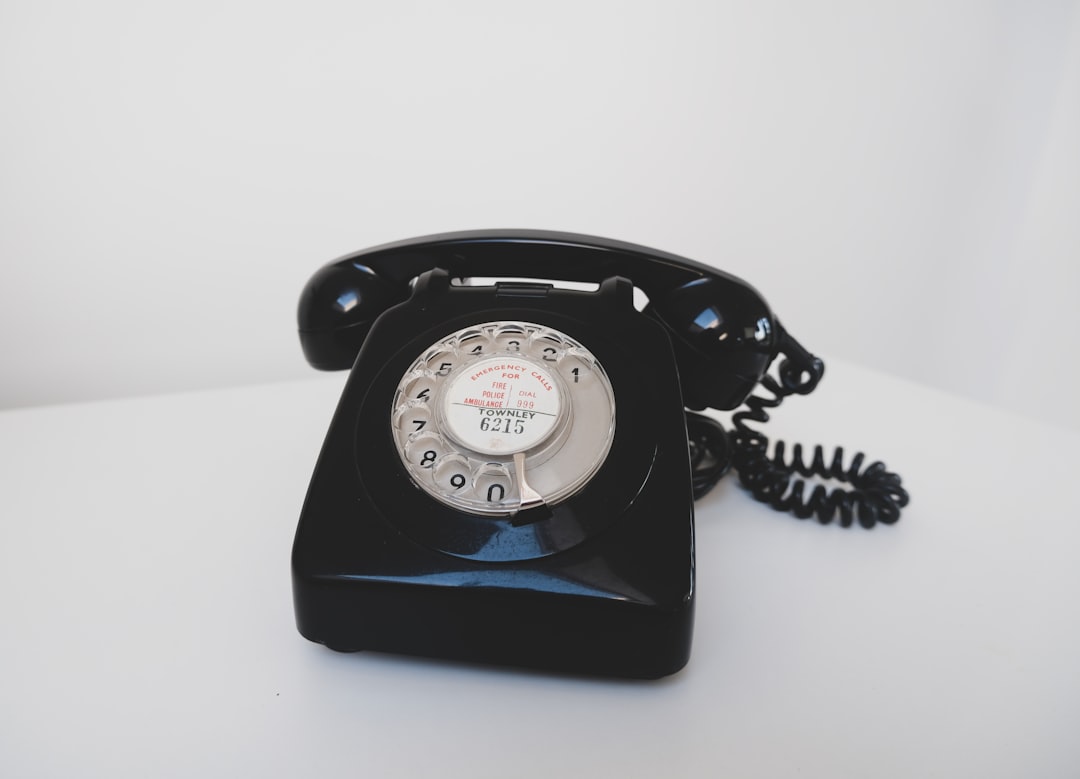
Search and assistants are starting to place calls and make bookings on behalf of customers. Here is how to structure services, pricing, deposits, and confirmations so automated booking does not turn into a front-desk nightmare.
Imagine this: it is 9:12 AM, and your phone rings. The "customer" is polite, specific, and fast. They ask for a 30-minute appointment at 2:30, want an exact price, and ask whether you accept a particular payment method. Your front desk starts to answer - then realizes the caller is not a person.
That future is not science fiction. Assistants and search products are increasingly able to help customers make reservations, book services, and coordinate details. Sometimes that happens through web forms. Sometimes it happens through messages. And sometimes it happens the old-fashioned way: a phone call.
For a service business (salons, repair shops, clinics, field services, contractors, studios), this shift is a big deal. You are about to get more "structured" requests that feel like they were generated from a checklist. If your business runs on tribal knowledge, that structure will expose every fuzzy edge.
This post is not about resisting automation. It is about making automated booking boring. Because boring is profitable.
Step 1: Convert your services into a menu (even if you are not a restaurant)
Automated callers do best when your offer is clearly defined. Humans can handle "come by and we will see". Assistants struggle with that, and they will push for specifics.
Create a service menu with:
- Service name: what a customer would call it.
- Duration: the realistic default, not the optimistic one.
- Price band: a starting price, and what changes it.
- Required inputs: what you need before confirming (photos, model number, symptoms, hair length, vehicle trim, etc.).
- Next step: book, request quote, or drop off.
If you only do one thing today, do this. A service menu turns vague conversations into predictable workflows.
Step 2: Decide what you will quote on the phone
Most small businesses get burned in two ways:
- Over-quoting: you scare away good customers.
- Under-quoting: you win the booking but lose trust later.
Our practical recommendation is to define three quote tiers:
- Fixed price services (safe to quote exactly)
- Price range services (quote a range and the decision driver)
- Inspection-required services (quote an inspection fee or deposit, not the full job)
Write this down where staff can see it. Automated callers will be consistent; your staff needs to be consistent too.
Step 3: Stop relying on "we will remember" information
When automated booking increases, you will see a rise in edge cases:
- customers booking the wrong service because names are too similar
- customers arriving without the required item/information
- customers disputing what they were told (especially about price)
The fix is a boring data habit: capture the key details at booking time and attach them to the job.
For example:
- Device repair: device model, symptoms, passcode policy, data-loss disclaimer, parts approval threshold.
- Salon: hair length category, add-ons requested, prior color history, patch test notes.
- Field service: address confirmation, parking notes, access code, pet notes, photos of the issue.
Step 4: Build a "confirmation script" that humans and bots can follow
Whether the booking is placed by a human customer or an assistant, the end of the call should sound the same. That is how you reduce no-shows and arguments.
We recommend a short confirmation script:
- Repeat the service name in plain language.
- Repeat the date/time and the expected duration.
- State the price rule (fixed price, range, or inspection-first).
- State what to bring (and what happens if they forget).
- State the cancellation policy and how to reschedule.
This is also where you can confirm payment expectations, including whether a deposit is required.
Step 5: Deposits are not about money - they are about intent
Automated booking will increase the number of "low intent" bookings. Some people (and some bots) will book multiple options and decide later. That is not malicious; it is how people optimize when booking is easy.
Deposits, confirmation links, or card-on-file policies are less about revenue and more about filtering for intent. The trick is to apply friction only where it matters:
- high-demand times (weekends, lunch rush)
- long appointments
- custom or special-order work
Step 6: Make the POS your source of truth (so automation does not fragment your business)
Where teams get hurt is when appointments live in one tool, payments in another, and job notes in a third. The moment something changes (customer reschedules, price changes, add-on added), staff has to update multiple places - and they do not.
We like a POS-first approach: treat every appointment as the start of a transaction record. Even if you do not take payment until later, the job should have a home: the customer, the service, the notes, the promised time, and the eventual checkout.
That is where M&M POS fits. If you are building a service workflow where booking and checkout stay connected, start there. When you are ready to try it with your team, download M&M POS and build your service menu, deposits/fees, and job notes around one consistent system.
A quick test you can run this week
Pick your top three services and run a roleplay:
- One person acts like an automated caller: fast, specific, persistent about price and timing.
- One person answers the phone using your current process.
- Afterward, write down every point where you said, "It depends" without a clear decision rule.
Those "it depends" moments are the exact places automation will create chaos. Fix them one at a time. If you do, automated booking becomes a quiet source of new business instead of a front-desk stress test.
