


A cybersecurity and operations guide for small businesses that rely on WordPress, online ordering, menus, and POS data to recover quickly from admin account takeovers.
Security feeds keep reminding small businesses that website compromise is not just an enterprise problem. Recent reports have covered exploited WordPress plugin flaws, admin account takeovers, and account-stealing campaigns. For a local business, the damage is not abstract. A compromised site can change menus, redirect customers, steal form data, break online ordering, poison search results, or turn a normal Tuesday into a trust emergency.
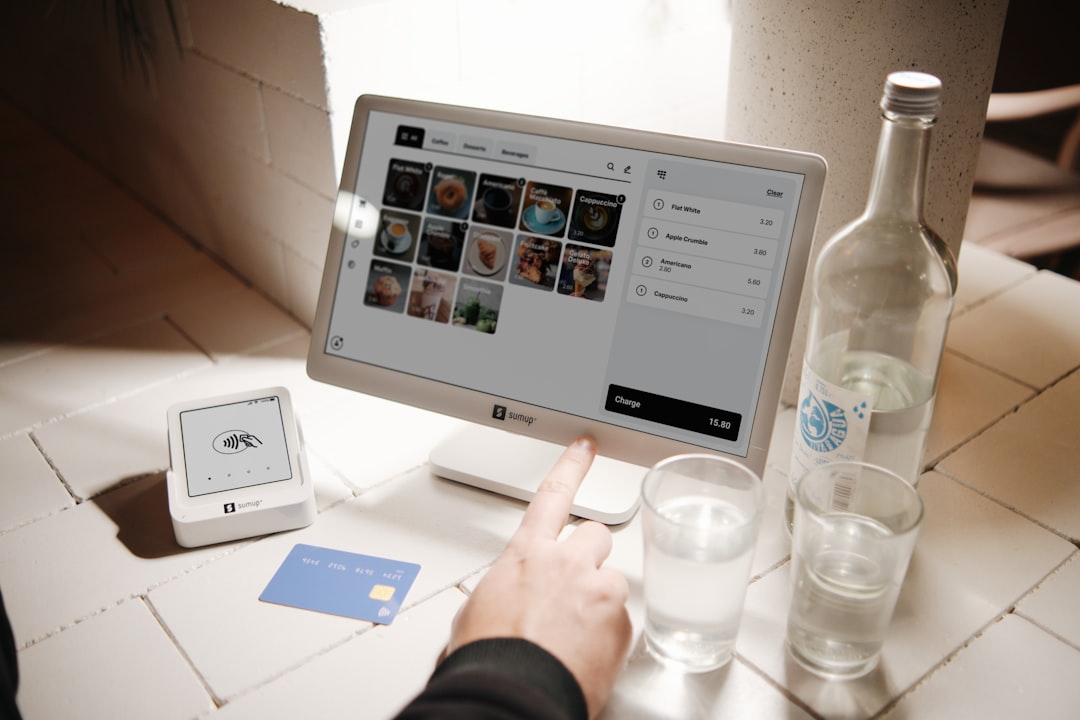
The POS is part of the recovery plan because it tells you what normal looked like before the website broke. Your item catalog, pricing, receipts, order history, customer notes, and sales reports become the clean reference point when the public-facing website is in question.
If your business depends on web orders, menus, or appointment requests, keep your internal sales system separate and reliable. M&M POS can serve as the operational record for sales and catalog work, and you can download M&M POS to test a recovery-friendly setup without waiting for a crisis.
A takeover story in plain English
Imagine a small restaurant with a WordPress site, a menu plugin, an online ordering link, and a few admin users created over the years. One old admin account still has a weak password. A plugin update is delayed because nobody knows whether it will break the menu layout. A malicious login gets through, adds a redirect, and changes a few links. Customers searching for the restaurant click into the site and end up somewhere suspicious.
The owner notices because orders dip and a customer calls. Now the business has two jobs at once: fix the website and keep operating. That is where preparation pays off.
Separate the public menu from the operational menu
Your public menu can be beautiful, but it should not be the only trusted copy of prices and items. Keep the operational catalog in your POS. That catalog should include current prices, tax behavior, modifiers, item availability, and internal notes. If the website is compromised or rolled back, you should still know what the real menu is.
When you update prices, update the POS first or at least at the same time as the website. Then use a simple checklist: POS price, website price, printed menu, delivery marketplace, QR menu, and staff cheat sheet. A website incident is much easier to recover from when there is one clean source to compare against.
Lock down website admin like it runs the register
Many owners protect the cash drawer better than the website admin panel, even though the website can influence revenue just as quickly. Use unique admin accounts, strong passwords, multi-factor authentication, and role limits. Remove old employees, old agencies, and test accounts. Do not let every user be an administrator.
Set a monthly plugin and theme review. Update what can be updated safely. Remove plugins you do not use. Keep backups that are not stored only inside the same hosting account. If an update breaks the site, that is annoying. If an unpatched plugin lets someone take over the site, that is worse.
Monitor the links that make money
Most small business website checks focus on whether the homepage loads. That is not enough. Monitor the links that make money: online ordering, reservations, gift cards, contact forms, directions, phone links, menu pages, and download links if you sell digital products. A compromised site may leave the homepage looking normal while changing the highest-value buttons.
Keep a short list of those links in your operating playbook. Once a week, click them from a normal device, not just from the admin dashboard. After any website update, click them again. If a customer reports a weird redirect, treat it as urgent until proven otherwise.
Prepare a POS-first incident response
When something looks wrong, do not let everyone freestyle. Use a sequence:
- Pause website edits and preserve evidence with screenshots.
- Disable suspicious admin accounts and force password resets.
- Contact hosting or your web developer with the timeline.
- Check ordering, menu, payment, and form links from a clean browser.
- Compare public prices and items against the POS catalog.
- Post a temporary trusted ordering or phone instruction if needed.
- Review sales reports for unusual order dips, refunds, or customer complaints.
This sequence keeps the business moving while the technical cleanup happens. It also prevents accidental data loss from random edits during a panic.
Train staff on customer-facing recovery
If customers call about strange links, staff need a script. Keep it factual: "Thanks for telling us. We are checking the website now. If you want to place an order, please use our phone line or visit us directly while we verify the link." Do not speculate about hackers, blame vendors, or ask customers to keep clicking suspicious pages.
Managers should log these calls in a shared note with time, customer report, page involved, and action taken. Those notes help the web team find the issue and help the owner decide whether broader customer communication is needed.
Use POS reports to spot business impact
After cleanup, review sales by channel, order volume by hour, refunds, failed orders, and customer complaints. If online orders dropped during the incident, estimate the impact and decide whether a make-good campaign is appropriate. If gift card or form links were affected, review those flows separately.
The point is not to turn every website bug into a disaster. The point is to know the difference between a cosmetic issue and a revenue issue. POS data gives you that distinction.
The bottom line
A WordPress admin takeover is not just an IT ticket. It can become a menu problem, an ordering problem, a customer trust problem, and a revenue problem. Keep the website updated, keep admin access tight, monitor money links, and maintain a clean POS record so recovery has a trustworthy foundation.
