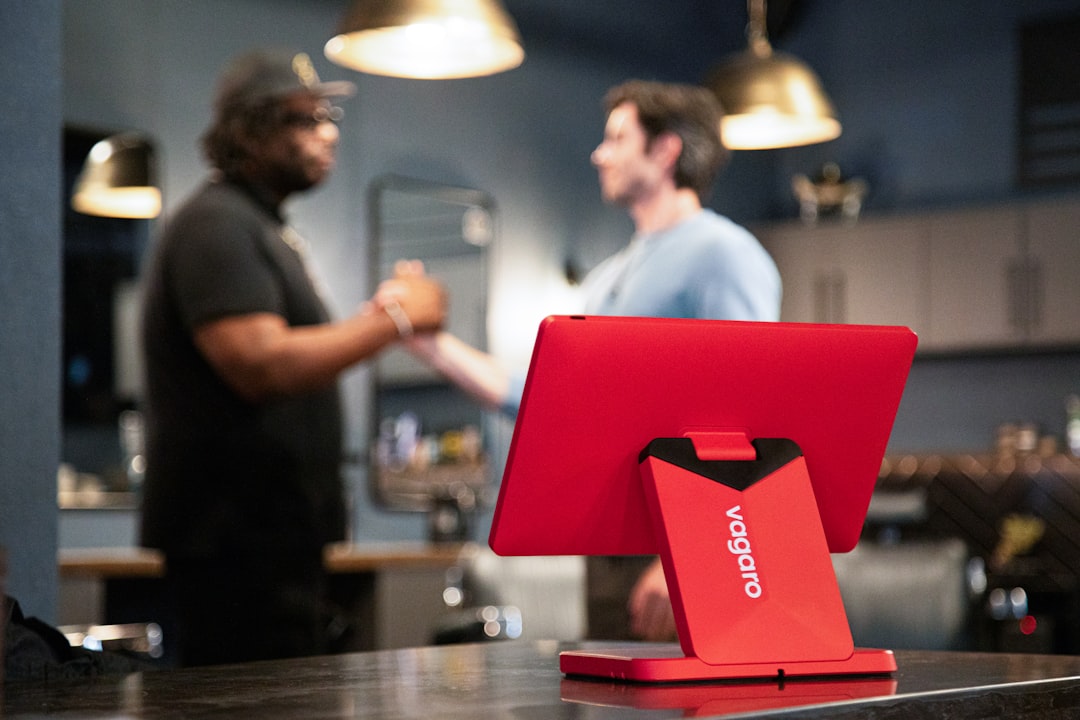
The counter tablet changes hands all day, and the team can lose track of who did what. A simple sign-out habit can keep shifts accountable, reduce refund arguments, and make your end-of-day close cleaner.
At 11:15 on Monday, the lunch rush is about to hit, and your counter tablet is already warm in the handoff queue. Maria taps a receipt, Leah grabs the tablet for curbside calls, and one staff member starts handling refunds without the first worker signing out. Two hours later, no one can answer why a discount was approved and whether the register drawer count was changed.
That is not a problem of bad people. It is a process problem. Shared devices are practical, especially in small teams. They save money and keep everyone in motion. But if your team passes a tablet like a relay baton and does not pass responsibility clearly, you get silent ownership gaps. Nobody gets blamed if the system is clean and clear. Everybody gets blamed if it is not.
The issue is more than security. It is operational memory.
Most owners understand the security angle. Passwords, role levels, and sign-in habits matter. The bigger challenge is memory. If a shift lead returns from break and says, "Why was that order edited?", the team can waste 15 minutes rerunning the timeline from mental logs. That slows customer service, confuses staff, and makes reporting feel less trustworthy.
A shared tablet is like a shared notebook. If everyone writes in it, someone should still sign the page when they add or change anything important. In a POS workflow, that signing out is the equivalent of adding a clear name tag to actions that affect sales, refunds, discounts, or inventory notes.
Where mixed users create avoidable confusion
Here are common moments where handoff friction appears:
- Late refund: A tablet moves from one cash register station to another while a manager is still approving a card reversal.
- Price exceptions: A discount is applied during a rush and later staff members are unsure if the same order was modified again.
- Pickup note edits: A runner updates a phone number or order note, then hands the device off mid-call.
- Cash drawer checks: Someone verifies cash at close but another person signed out earlier and thinks that check is already done.
None of these are deep technical faults. They are handoff design faults. The fix is not another policy document. The fix is a habit that is short enough to do without slowing the line.
The sign-out habit your team can adopt in under two minutes
Call this your shift handoff rhythm. It sounds simple, and it is. You only need four moments and five short checks.
Moment 1: right before someone leaves a station. Before a team member picks up another job, they should sign out or switch user. If your staff uses the same profile by habit, this first step is the one that saves the most confusion later.
Moment 2: before any manager-level action. If refunds, voids, discounts above normal bounds, or manual price edits happen, require a clear user switch first. Staff can still do all day-to-day actions. The key is that exceptions carry a clear owner.
Moment 3: when the tablet physically moves. A phone call station, curbside check-in, back counter, and main register are all different operational contexts. Treat movement as a context switch, not only a physical move.
Moment 4: at shift boundaries. If morning to evening handoff has no explicit wrap-up user action, everything after that point is harder to explain.
- Sign out in under 10 seconds.
- Switch user before manager checks or overrides.
- Write a short note when a discount or refund is odd.
- Keep one clear line item in closing notes before end of shift.
- Never assume "shared" means "ownerless".
How to train it without turning a shift into a school drill
People change habits when they see clear timing and benefit. Teach this in your next standup using one live example from last week. Pick a real event, like a late phone refund or an unplanned pickup change. Show the team what was unclear and what becomes clear when a handoff is tagged to the right person.
Then explain the rule as a shift performance booster, not as a compliance burden. Your team wants to move food, customers, and receipts quickly. This pattern gives them speed with less back-and-forth. You are not adding work; you are removing ambiguity.
Try this 7-day rollout:
Day 1 and 2: one station and one clear ritual.
Day 3 and 4: add the same ritual for curbside handoffs.
Day 5 and 6: include closing notes and refund exception notes in the same rhythm.
Day 7: team does a quick five-minute check and suggests one improvement. You might discover you need one extra line in your SOP, not more control knobs.
The operational payoff is usually immediate
The first people to feel this change are your floor team and shift lead. They spend less time explaining the same actions twice. The second benefit appears in reporting. End-of-day close becomes less of a scavenger hunt because actions line up with users. You also get cleaner communication with owners because questions become, "Here is who did the exception, at this time, with this note," instead of, "I think this happened during lunch."
Most important, customer confidence improves in small ways that are easy to miss. A guest who saw an earlier discount confusion notices less friction later. Staff who are not defending themselves have more room to be helpful.
One anchor habit for your next shift
Do not overbuild this system. Start with this one line: before handing over the tablet, the person leaves a clear session owner. The rest can stay plain and practical.
If your team is still deciding between a paper checklist and a software workflow, begin with a one-page sheet at each station and turn it digital later. The goal is to get the behavior stable first, then automate details where useful. You can even ask your store to keep this local rule with their usual morning briefing.
If you are starting the week with a new process, the fastest version is simple: download M&M POS and make sign-out and handoff steps part of your normal close routine instead of a special project.
If this kind of checkout routine would help your shop, you can download M&M POS and test it with your own setup.