


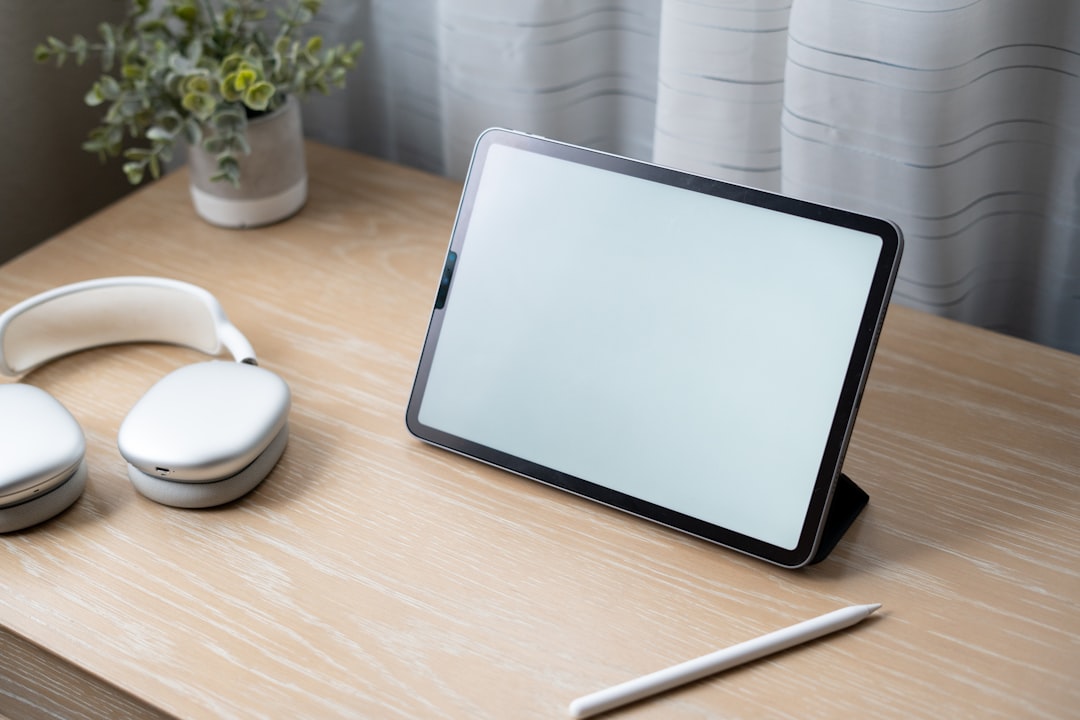
Save hundreds on hardware by transforming your tablet into a sleek POS register using M&M POS. Here’s how to do it.
Skip the Expensive Hardware — Use What You Already Have
POS hardware setups can easily run $1,000+, but they don’t have to. If you have a tablet (iPad, Android, or otherwise), you already have everything you need. With M&M POS, your tablet becomes a full-featured register — no contracts, no extra hardware.
Perfect for:
- Retail shops
- Salons
- Cafes and bakeries
- Home-based sellers
How to Set It Up
- Visit mmpos.app/download from your tablet browser
- Download and install the M&M POS app
- Create a business account
- Input your products, categories, and pricing
- Set up tipping, taxes, and inventory as needed
- Start selling with a single tap
Pro Tips
- Use a simple tablet stand for a sleek countertop setup
- Connect a Bluetooth receipt printer if needed
- Pair with a mobile card reader for swipe, chip, or tap payments
Why M&M POS?
It’s fast, easy, secure, and backed by Stripe. Whether you’re solo or growing a team, you’ll love the intuitive interface and real-time reporting. Download M&M POS here and start using your tablet like a pro today.
