


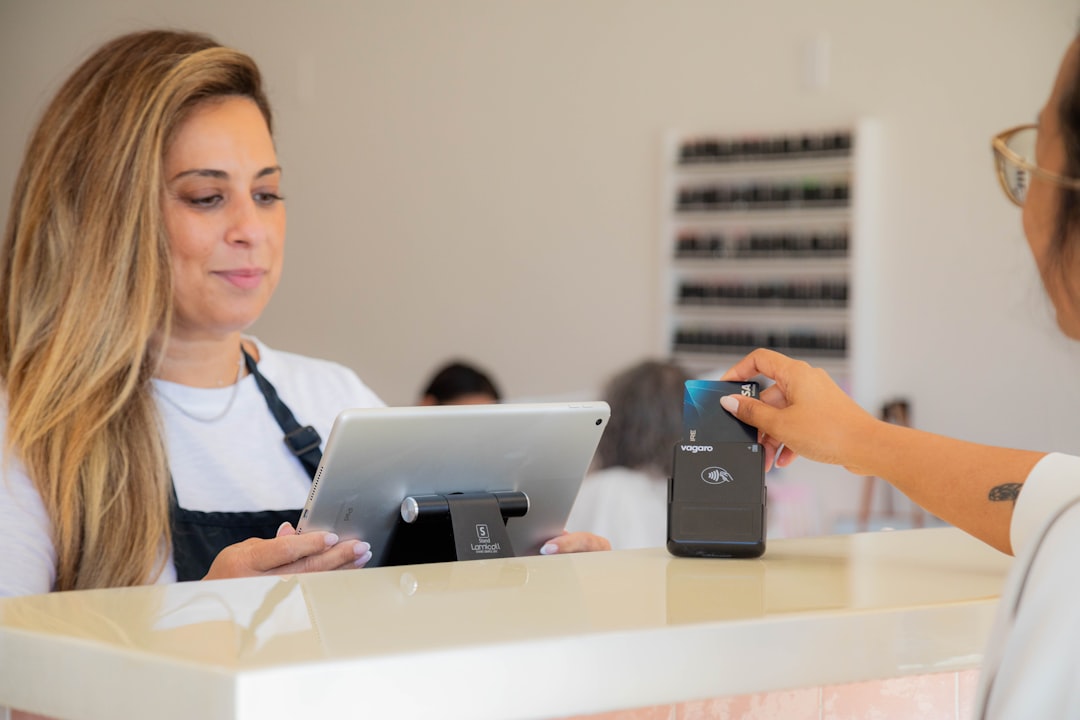
Turning a phone into a card reader is changing how service businesses get paid on-site. Learn the practical setup, policies, and POS workflows that make phone-based tap-to-pay fast, consistent, and dispute-resistant.
There is a quiet shift happening in payments: more businesses are turning a phone into the card reader.
For service businesses this is a big deal. If you are doing jobs in a driveway, at a customer site, or in a pop-up setup, you do not want to carry extra hardware, and you definitely do not want to chase checks. A phone-based tap-to-pay flow can reduce time-to-cash and reduce awkwardness at the end of a job.
But there is a catch: if you do it casually, you end up with inconsistent invoices, messy reconciliation, and "what did we charge for?" problems later.
This is a field checkout playbook: the practical steps to make phone-based tap-to-pay fast and professional without turning your back office into chaos. And yes, we will talk about policies, because the policy is what keeps a payment workflow stable when you are busy.
If you want a POS and invoicing baseline that stays clean whether you charge at the counter or at the curb, start with M&M POS. You can download M&M POS and run consistent itemization, taxes, and receipts even when you are collecting payment on a phone.
Why phone-based tap-to-pay is trending (and why customers like it)
Customers already know the gesture: tap. It is fast, familiar, and feels safer than handing over a card.
From an operations perspective, the benefits are real:
- Faster payment capture: fewer "send me an invoice" delays.
- Less hardware: fewer devices to charge, pair, and troubleshoot.
- Cleaner closeout: you can finish the job, collect payment, and close the ticket before you drive away.
For a small team, that is leverage.
The core rule: itemize first, charge second
When teams go mobile, the biggest mistake is charging a round number because it is convenient. That feels fast until:
- tax calculations get inconsistent
- customers dispute because the receipt is vague
- you cannot analyze which services are profitable
The fix is a simple discipline: build the ticket with real line items (labor, parts, fees, discounts), then take payment against that ticket.
This is where a POS matters. A POS is not just a payment button. It is the structured record of what was sold.
Design your field checkout workflow
Here is a workflow that works well for HVAC, electricians, plumbers, mobile detailers, cleaners, trainers, and on-site repair shops.
Step 1: Use a standard service menu (even if you customize per job)
Create a small list of common services and parts as POS items. Keep names clear and consistent. Your technicians should not be inventing line-item names on the fly.
Step 2: Add a "field notes" pattern
Do not put long notes into the item name. Use notes for job-specific context (serial number, special condition, before/after details). Keep item names stable so reporting stays accurate.
Step 3: Collect payment and immediately deliver a receipt
Customers trust what they can see. A receipt with itemization, taxes, and timestamp is the difference between "professional" and "sketchy" in their head, even if you did great work.
Policies that prevent disputes (without being hostile)
This section is written with an engineer brain and an owner heart. You do not want to fight customers. You want to avoid disputes by being clear.
Deposits and partial payments
If you commonly take deposits, define it as a named line item or policy: what triggers a deposit, how it applies, and whether it is refundable.
Tips (only if it fits your industry)
Some service businesses are tip-optional. If tips apply, decide whether tips are prompted by default or only on request. Consistency prevents awkwardness.
Refund rules
Refunds are where good intentions turn into messy accounting. Define a threshold: below a certain amount, a shift lead can handle it; above that, manager approval is required. Require a reason code. It is simple discipline that protects the business and the staff.
Connectivity reality: plan for weak signal
Field work means imperfect internet. Prepare for it. Do not let the payment flow depend on perfect conditions.
Practical mitigations:
- Know your dead zones and plan payment capture accordingly
- Train staff on what to do when connectivity fails (do not improvise)
- Keep the ticket structure intact even if payment must happen later
The goal is to avoid a situation where the job is done and the payment record is incomplete.
Where M&M POS fits
The best mobile payment setup is the one that looks the same in your reporting as your in-store sales. The tool should help you keep consistent itemization, taxes, and receipts regardless of where the payment happens.
If you are building a modern field checkout workflow, download M&M POS, create a clean service menu, and train the team on the simple discipline that keeps everything sane: itemize first, charge second.
When you can get paid on-site in under a minute, you do more jobs and chase fewer invoices. That is not just convenience. That is growth.
