


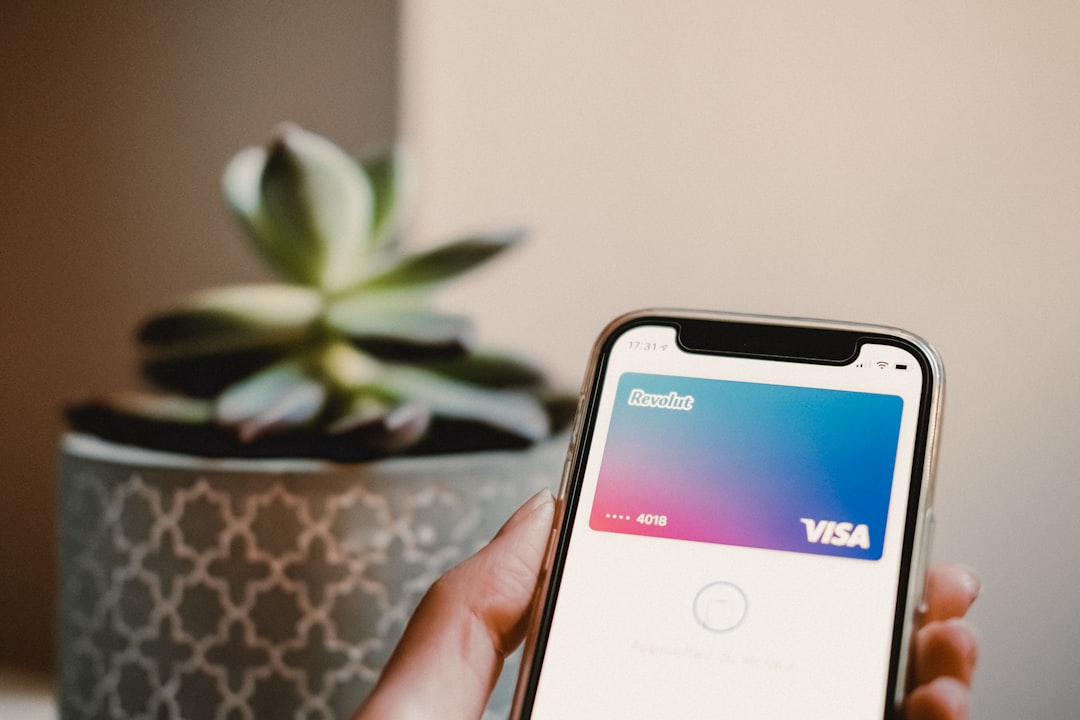
Tap-to-pay on a phone (SoftPOS) is becoming the go-to backup plan for small businesses: same shift, same prices, fewer 'terminal down' moments. Here's a practical rollout guide: devices, staff training, receipts, and reconciliation-without turning checkout into a science project.
There's a moment every operator recognizes: the line is moving, the vibe is good, and then the terminal freezes.
You can feel the air change. Staff start apologizing. Customers start glancing at each other. Someone says, "Can I just Venmo you?" and now you're doing payment improv during peak hour.
That's why tap-to-pay on a phone (often called SoftPOS) has become a real trend, not a gimmick. For many small businesses, it's not meant to replace your main setup. It's meant to make you unbreakable-a backup lane you can open instantly when you need it.
What "tap-to-pay on a phone" actually means
SoftPOS turns a compatible phone into a contactless acceptance device. Customers tap a card or wallet on the phone, and you complete the sale-no dedicated hardware terminal required for that lane.
Whether your primary checkout is a countertop device, a tablet + reader, or a PC-based system, the strategic value is the same:
- Business continuity: when a terminal is down, you keep selling.
- Flexibility: you can take payments where the customer is (patio, curbside, event booth).
- Speed under pressure: you can split the line without dragging extra gear around.
The operator's rollout plan (no drama, no chaos)
We've learned a simple rule on the engineering side: if a backup system requires "remembering special steps," it won't be used during the exact moment you need it. So the plan below is designed to be muscle memory.
Step 1: Pick the one scenario you're solving first
Don't roll SoftPOS out as a vague "nice-to-have." Choose one:
- Peak-hour overflow lane: a second line when traffic spikes.
- Terminal outage contingency: your "we keep selling" plan.
- Mobile checkout: patio, curbside, delivery handoff, pop-up booth.
Once you pick the scenario, the rest becomes easier: device choice, staff permissions, and reconciliation rules.
Step 2: Standardize the device (and treat it like equipment)
SoftPOS sounds casual-"just use a phone"-but operations works best when you standardize:
- Use a dedicated business device if possible (or a clearly designated staff device).
- Lock it down: PIN/biometrics, auto-lock, and no random app clutter.
- Keep it charged like you would any other tool-battery is your new "paper roll."
Step 3: Decide how receipts work (and make it consistent)
Receipts are not a formality. They are dispute protection, bookkeeping sanity, and customer trust.
Before you go live, decide:
- Do you default to digital receipts? If yes, what's the collection method?
- If a customer wants a printed receipt, where does it come from during mobile checkout?
- What's the staff script? ("I can text or email your receipt-what do you prefer?")
Step 4: Train the "two-lane" choreography
If SoftPOS is an overflow lane, your team needs a simple flow:
- Who decides when to open lane two?
- What products/services can be sold in the mobile lane (everything, or a subset)?
- How do you prevent double-charging when someone hops between lanes?
A quick practice run before opening-literally five minutes-beats a week of awkward mistakes.
Step 5: Reconciliation: make the end-of-day boring
The hidden failure mode of "extra payment lanes" is not the payment-it's the bookkeeping.
To keep reconciliation clean:
- Use clear naming for the SoftPOS lane (so reports don't look like mystery money).
- Agree on a rule for refunds (who can do them, and on which device).
- At close, do one quick check: mobile-lane totals vs the POS shift total.
Security and controls (the part people skip)
From a team perspective, this is where small businesses accidentally create risk: the "backup device" becomes a side door.
Keep it safe with a few basics:
- Permissions: only trusted roles should be able to issue refunds or large discounts.
- Audit trail: make sure transactions are attributable (who ran the sale).
- Physical policy: the device doesn't leave the building unless it's a planned offsite shift.
How M&M POS fits into a SoftPOS mindset
Whether you use a dedicated terminal or a phone as an overflow lane, you still need the same foundation: a clean product catalog, consistent pricing, fast lookup, and reporting that makes end-of-day reconciliation painless.
That's the lane where M&M POS shines: it's built for real-world checkout speed and day-to-day operations. If you're tightening up your checkout workflow (and building a backup plan that actually gets used), install download M&M POS and treat it like a system you can run under pressure-because that's the only time it matters.
The takeaway
Tap-to-pay on a phone is not a trend you adopt because it's cool. It's a trend you adopt because it makes your business harder to interrupt. Start with one scenario, standardize the device, train the flow, and make reconciliation boring. That's how you turn "backup payments" into a real operational advantage.
