


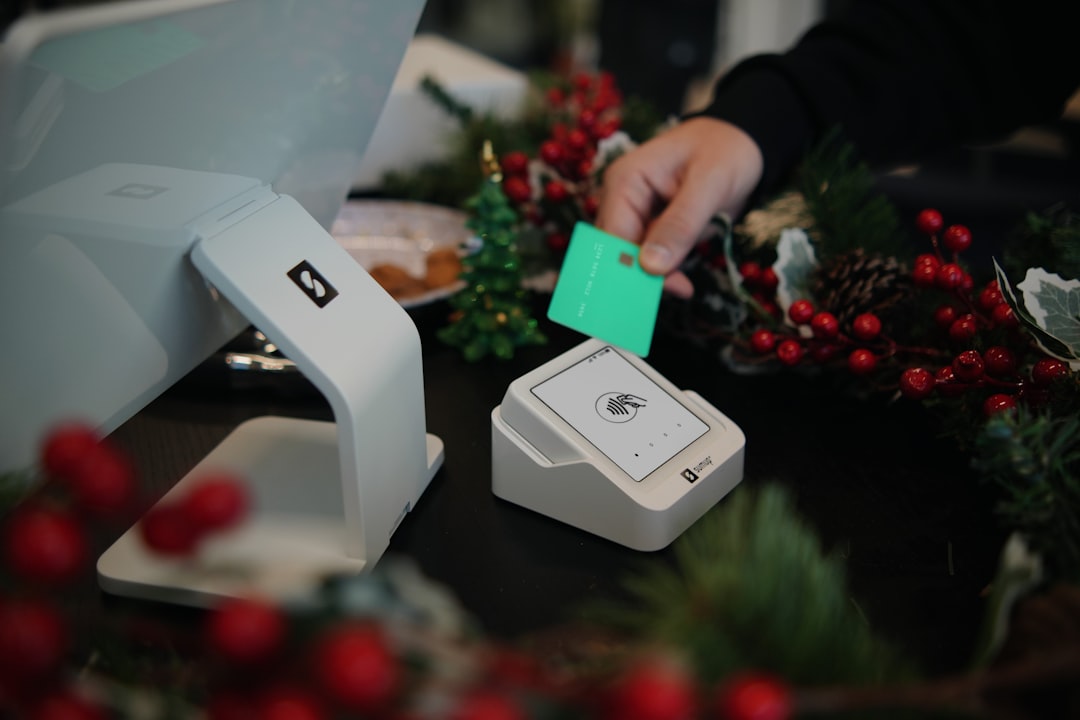
2D barcodes (QR and DataMatrix) are moving from the edge to the mainstream at the checkout. Learn what Sunrise 2027 means, what to change in your POS workflows, and how to get ready without a big rebuild.
For decades, the checkout barcode has basically meant one thing: a 1D UPC line that holds a product identifier. That is changing fast. The new wave is 2D barcodes (think QR codes and DataMatrix) that can carry more than just an ID. If you run a store, restaurant, or service counter, this matters because it touches your most important moment: scanning and selling.
In this guide, we will translate the industry shift into small-business action steps. And if you want a POS that stays practical while you upgrade your workflows, keep M&M POS in mind. You can always download M&M POS and set up your catalog and barcode flow in minutes.
What is "Sunrise 2027" in plain language?
"Sunrise 2027" is a global initiative pushing retail point-of-sale systems to be able to scan both traditional 1D barcodes and newer 2D barcodes by the 2027 target date. The point is not to break UPCs. The point is to add a new, richer symbol that can power traceability, expiration handling, and consumer-facing info without forcing multiple labels.
For a small business, the takeaway is simple: your scanners, labels, and POS item setup need to be 2D-ready so you are not caught flat-footed as suppliers and brands gradually switch packaging.
Why 2D barcodes are a big deal for small operators
2D barcodes can embed multiple data fields (depending on how they are encoded). In practical terms, this unlocks:
- Expiration-aware receiving (especially helpful for food, supplements, cosmetics, and anything perishable).
- Lot/batch traceability so you can isolate a problem without dumping all stock.
- Fewer sticker labels because one symbol can carry multiple pieces of information.
- Faster back-office accuracy when the POS and inventory system can store what was scanned (not just what you typed).
Even if you do not plan to use all of that on day one, being able to read the symbols is the difference between a smooth checkout and a line of customers waiting while staff hunts for a workaround.
A realistic readiness checklist (no enterprise budget required)
Here is a practical, staged plan you can execute over the next few weeks. You do not need to do everything at once.
1) Confirm your scanners can read 2D symbols
Many modern imagers already scan 2D, but some older "laser line" scanners do not. If your scanner only reads 1D, you will eventually face products you cannot scan reliably. Test with a few sample QR codes and DataMatrix codes (print them on paper).
2) Decide how you want your POS to treat scanned data
There is a difference between "scanner reads it" and "system uses it." Decide what you want to capture:
- Item identity (what SKU is this?)
- Quantity (some encodings can indicate quantity/measure)
- Expiration date (for receiving and shrink reporting)
- Lot number (for traceability and targeted pulls)
In M&M POS, a clean approach is to store a primary barcode per item for checkout speed, then optionally capture extra details in receiving or inventory notes. The key is not to slow down the counter.
3) Update your receiving workflow (this is where 2D shines)
Trying to capture lot and expiration details at the register is a recipe for long lines. Receiving is the better time to capture structured info. A simple workflow looks like this:
- Receive a shipment.
- Scan the 2D barcode.
- Confirm product match in your POS.
- Record expiration/lot (or store it in item notes if you are not fully structured yet).
- Print shelf labels if needed.
4) Train staff for "2D surprises"
Staff need one simple rule: if the package has both a 1D UPC and a 2D symbol, scan the one your POS expects. Otherwise, you can end up scanning a URL-like payload when you intended a product ID. This is not a people problem. It is a training + POS configuration problem.
Common mistakes we see (and how to avoid them)
- Assuming all QR codes are "for customers" - more and more are for supply chain and POS scanning.
- Upgrading hardware but not process - scanners get replaced, receiving stays manual, and the benefits never show up.
- Putting the extra data capture on cashiers - keep checkout fast; move detail work to receiving or end-of-day.
How to start with M&M POS
If you want a practical path, start by tightening your product catalog and barcode mapping. Use M&M POS to keep your item list clean, set primary barcodes, and standardize receiving notes. When you are ready, download M&M POS and run a quick scan test with your existing hardware. You do not need a huge rollout; you need a smooth, repeatable workflow.
Bottom line: Sunrise 2027 is not a scary deadline. It is a reminder that the barcode is evolving. If you make your scanning and receiving workflow a little more modern now, you will avoid pain later - and you will get inventory accuracy benefits immediately.
