


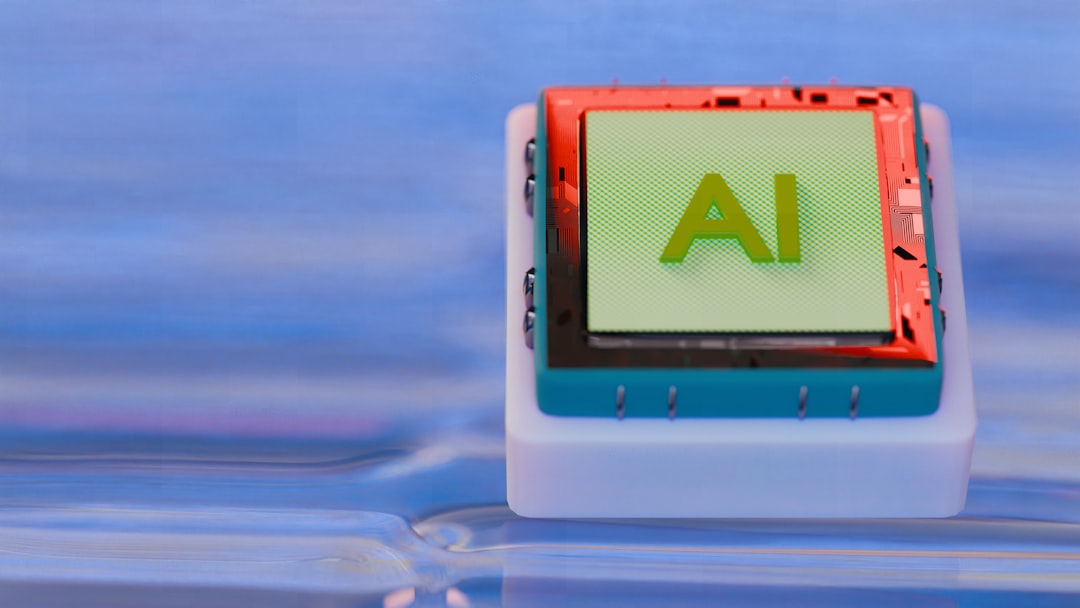
AI does not have to live in the cloud. Learn how on-device (edge) AI can improve speed, privacy, and reliability for POS workflows - without turning your counter into a science project.
Every year, more tools show up claiming "AI inside." Some are useful. Some are stickers.
The trend that is genuinely relevant to small businesses is on-device AI (often called edge AI). Instead of sending data to a server for analysis, a model runs locally on a device (a laptop at the counter, a tablet, or a small box PC). That shift matters for POS because checkout has three non-negotiables:
- Speed: customers feel every extra second.
- Privacy: you handle sensitive customer and business data.
- Reliability: Wi-Fi goes down at the worst time.
What can on-device AI actually do in a POS context?
Keep it grounded. On-device AI is good for tasks that are small, repeatable predictions and suggestions:
- Smarter search: typo tolerance and better matching for item lookup.
- Auto-tagging: suggesting categories/attributes when you add new items.
- Staff assist: quick answers to "how do I do a return?" based on your internal notes.
- Consistency nudges: detecting near-duplicate item names and suggesting cleanup.
Notice what is not on the list: replacing your staff. The best POS AI feels like helpful autocomplete, not a chatbot that interrupts checkout.
Why on-device AI is a big deal (even if you never say the word AI)
- Lower latency: the model is a local call, not a network round trip.
- Better privacy posture: less data leaves the device by default.
- Graceful degradation: if the internet drops, your core workflows can still function.
A practical experiment: make item lookup noticeably faster
Run this tiny experiment with your staff:
- Ask someone to ring up 10 common items as fast as possible.
- Write down where they slow down: searching, scrolling, remembering categories.
- Clean up categories and naming so search matches how their brain works.
That is not glamorous, but it is the same mindset behind edge AI: make the common path effortless.
How this relates to M&M POS
Even if you never turn on an "AI feature," you benefit from a POS that respects the same principles: fast, local-first behavior and real-world reliability. M&M POS (https://mmpos.app/) focuses on smooth counter workflows and practical operations for small businesses.
If you are modernizing your checkout stack and want something straightforward to adopt, download M&M POS here: https://mmpos.app/download.
The takeaway
Edge AI is trending because it solves a real problem: speed and privacy without depending on perfect internet. For POS, that is the right direction. If your current setup feels slow or fragile, consider simplifying first - starting with a POS that is designed for the realities of small business.
Explore M&M POS at https://mmpos.app/ and download it at https://mmpos.app/download.
